

Softgen and FlutterFlow both generate Flutter code, but the similarity ends there. Softgen is a low-cost, chat-driven scaffold generator for simple web apps. FlutterFlow is a professional visual IDE for native cross-platform mobile applications with an App Store deployment pipeline. Choosing between them is mostly a question of whether you need to publish to mobile app stores and how much complexity you are willing to take on in exchange for that capability.
Meet the Contenders
The heritage of each platform explains the different capabilities on offer today.
What is Softgen?
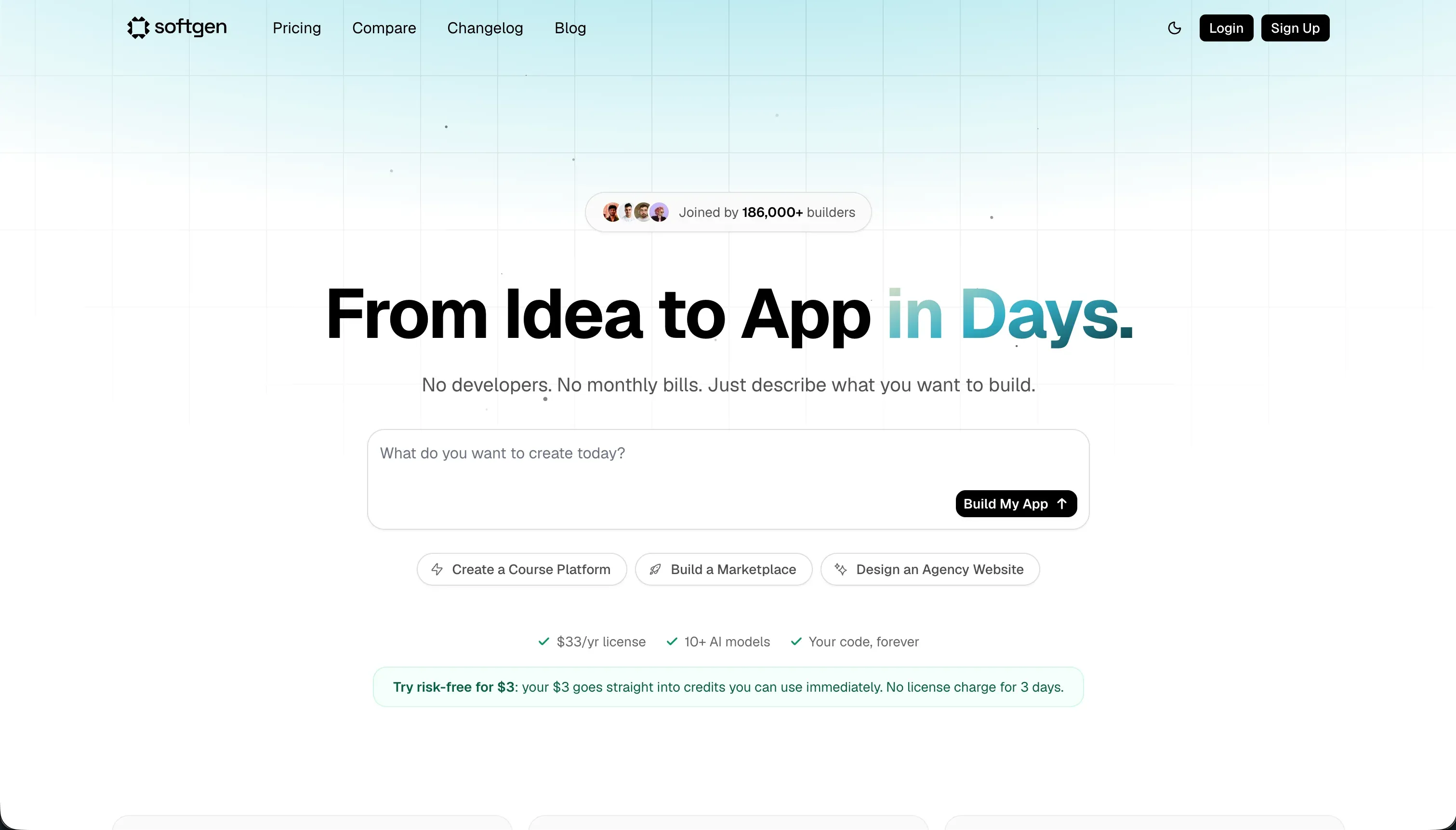
Softgen (softgen.ai) is a chat-based application builder that uses its Cascade AI Agent to generate full-stack web applications from plain-language descriptions. You describe your application requirements in a conversation, and the AI generates a user interface, a basic database schema, authentication flows, and optional integrations like Stripe payments - then deploys the result to Softgen’s hosting environment. The platform is designed for speed over depth: the annual membership fee of $33/year makes it one of the cheapest entry points in the AI app builder market, and the chat-driven workflow minimizes the configuration burden for simple use cases.
| Spec | Details |
|---|---|
| Primary Stack | Flutter (frontend), SQLite (database) |
| Interface | Conversational Cascade AI Agent (chat-only editing) |
| Primary Deployment Target | Softgen Cloud (web deployment) |
| Key Advantage | $33/year base cost with Flutter code export |
What is FlutterFlow?
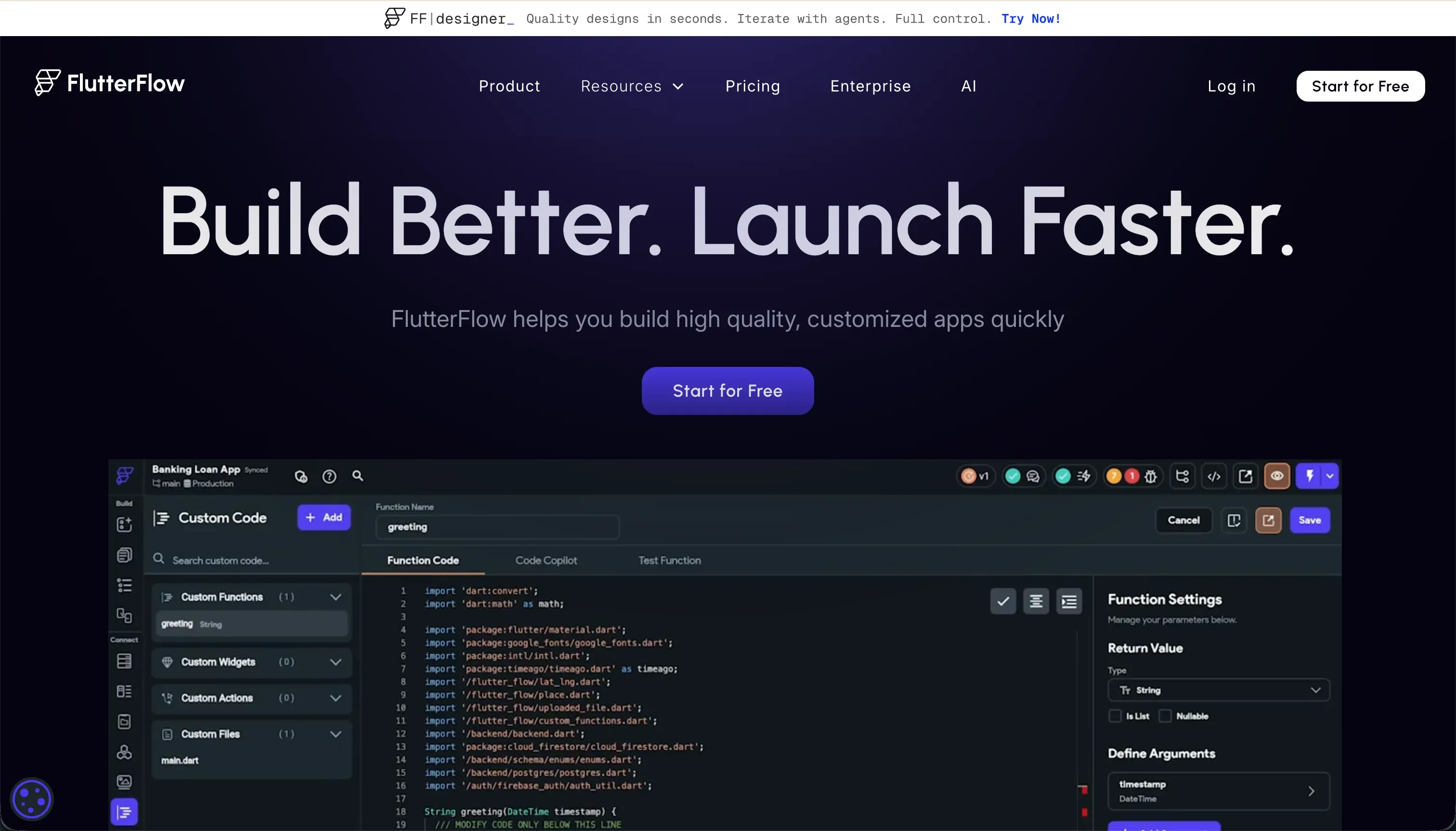
FlutterFlow (flutterflow.io) is a professional visual development platform for native cross-platform applications. Built on Flutter, it provides a drag-and-drop interface that maps directly to Flutter’s widget layout model, a visual action editor for configuring app logic and state changes, and native integrations with Firebase and Supabase for database and authentication. Its defining advantage in the builder market is its direct App Store deployment pipeline - the Pro plan can push builds to Google Play and Apple TestFlight without the builder ever touching Xcode or Android Studio directly. FlutterFlow also includes an AI generation feature (FlutterFlow AI Gen) that can scaffold screens, components, and database schemas from text instructions.
| Spec | Details |
|---|---|
| Primary Stack | Flutter, Dart, Firebase, Supabase |
| Interface | Drag-and-drop widget IDE + visual action editor + AI Gen |
| Primary Deployment Target | Native iOS App Store, Google Play Store, and Flutter Web |
| Key Advantage | Codeless App Store deployment pipeline with full Dart code export |
The Core Difference
The core difference between Softgen and FlutterFlow is not just mobile app publishing - it is the entire builder philosophy and the user it is designed for.
Softgen treats the AI as the primary interface. Everything - generating the initial app, modifying layouts, adding features, changing colors - flows through a chat conversation with the Cascade AI Agent. This makes Softgen fast and accessible for complete beginners building simple things, but it creates a ceiling. When you need precise visual control, a drag-and-drop editor is always faster and more reliable than explaining the desired change to an AI. When the AI misunderstands a prompt, you pay credits to fix it. There is no fallback.
FlutterFlow treats the developer as the primary actor. You click, drag, and configure your app inside a visual IDE that maps to real Flutter concepts. The AI is an accelerator layered on top, not the only way to interact with the platform. This means FlutterFlow rewards investment - the more you understand Flutter’s layout model, the more powerful the tool becomes. But it also means the initial learning curve is steep, and novice users frequently describe getting stuck in ways that Softgen users simply do not encounter, because the AI insulates them from Flutter’s complexity.
Put simply: Softgen is a consumer-grade scaffold generator. FlutterFlow is a professional-grade development platform. They are not competing for the same user.

Head-to-Head Comparison
1. Developer Experience & Iteration Speed
Softgen delivers genuine initial generation speed. Describe a SaaS layout or a basic data collection tool to the Cascade AI Agent, and you have a running web app in minutes. For early validation - “does this structure make sense?” - the experience is frictionless. The limitation surfaces immediately during the iteration phase. Every layout adjustment, every style change, and every feature addition requires a new prompt. When that prompt succeeds, the iteration is fast. When it does not - when the AI misinterprets the request, applies changes to the wrong section, or generates code that breaks an existing feature - the recovery path is more prompting, more credit consumption, and no guarantee of convergence on the intended result. Reviewers specifically flag that “fine-tuning visual layouts or alignment through conversational chat can lead to repetitive prompting loops, burning through credits without achieving the exact desired result.”
FlutterFlow’s iteration speed takes longer to develop but becomes meaningfully faster with familiarity. Once you understand the widget tree and the action editor, visual adjustments - changing padding, updating a color, reordering a list, adding a conditional action - happen in a few clicks rather than a few prompts. The AI Gen feature accelerates initial screen generation and component creation, and the visual editor handles the precision work. The frustration points in FlutterFlow are debugging-related: Capterra reviewers describe experiences like “one of the most unhelpful customer support out there” and “debugging things without a single error message to work with.” A Product Hunt reviewer articulates the platform’s duality perfectly: “on the one hand, there is no serious competition, and sometimes it makes me feel I’m saving a ton of time building a product this way. Other times, it makes me think I’m losing so much time debugging things.” The editor itself also runs slowly with larger projects - “browser lag is a major challenge especially when working on a project with more than 12 screens.”
2. Code Quality & Portability
Softgen’s code export gives you the generated Flutter files. The quality of that output reflects the AI’s interpretation of your prompts - which for simple applications is generally functional, but for complex layouts may include structural inconsistencies, unnecessary widget nesting, or logic that requires a developer’s review before it is production-ready. Because Softgen’s primary deployment target is web (not native mobile), the generated code is not optimized for mobile execution performance, which matters if you want to extend the export into a mobile app build.
FlutterFlow’s code export is a genuine strength of the platform. On paid tiers, the exported Dart code is idiomatic Flutter - properly structured widget trees, clean state management patterns, and a modular file organization that is straightforward for any Flutter developer to extend or modify. Git integration on the Pro plan means your FlutterFlow project and your local codebase can stay synchronized, which is a meaningful workflow for teams that want to add custom code beyond what the visual builder supports. The stated limitation is the custom code ceiling: “although custom code is supported, you are limited in what you can do until widget builders can be passed as parameters to custom widgets. This leaves many UI enhancements available natively in Flutter effectively locked away.”
3. Database & Backend Capabilities
Softgen auto-generates a basic database schema and authentication flow from your description. This is convenient but shallow. The generated database is a SQLite setup without visual management tools, no relational record linking, no workflow automation, and no permission controls beyond basic login authentication. For a simple app with a single user type and basic data, it works. For anything with multiple user roles, complex data relationships, or operational logic that needs to respond to data changes, Softgen’s backend layer is insufficient.
FlutterFlow does not host a database natively - instead, it provides deep, production-grade integrations with Firebase and Supabase. These integrations allow you to design structured database schemas visually, configure database security rules (Firestore rules or Supabase RLS), and set up push notification triggers through the same visual interface. The trade-off is setup overhead: you must create and configure a Firebase or Supabase project externally, connect it to FlutterFlow manually, and manage the backend infrastructure independently. There is no free lunch - better database capabilities in FlutterFlow come with more configuration responsibility. For developers who already have Firebase or Supabase experience, this is a natural extension of familiar tools. For non-technical builders, the backend setup overhead is a meaningful obstacle.
4. Hosting & Deployment Options
Softgen handles web deployment automatically. Generated apps are deployed to Softgen’s cloud environment immediately, with custom domain support available. There is no CI/CD pipeline to configure, no hosting bill to manage separately, and no deployment script to write. This is one of the most genuinely convenient aspects of the Softgen experience - the fact that you go from a description to a live web URL in minutes is a real capability that many more complex tools cannot match.
FlutterFlow’s deployment story is more powerful but also more complex. For web deployment, FlutterFlow can publish Flutter Web versions directly. For mobile, the Pro plan’s codeless deployment pipeline pushes builds to Google Play and Apple TestFlight - a feature that distinguishes FlutterFlow from essentially every other visual builder in the market. The caveat is that “codeless” does not mean “configuration-free.” You still need Apple Developer Program membership, correctly configured provisioning profiles, and a Google Play Console account. FlutterFlow’s pipeline automates the compilation and submission steps, but the account setup and certificate management remain the builder’s responsibility. For teams who have never shipped a mobile app, this initial setup process is frequently the biggest obstacle.

Pricing Comparison
Softgen’s pricing is structured in two parts. The annual membership costs $33/year - roughly $2.75/month - and covers platform access and hosting. AI usage for generation and editing is billed separately through pay-as-you-go credit packages. The credit rates are not publicly listed in detail, which makes precise cost comparison difficult. What the community consistently reports is that active building and iteration consumes credits faster than expected, and that debugging sessions or rebuilding sections can make total costs meaningfully higher than the $33/year base price suggests. For occasional users who generate an app and rarely update it, Softgen is genuinely cheap. For frequent iterators, the economics are less predictable.
FlutterFlow’s pricing is flat and plan-based:
- Free: $0/month - visual builder access, Firebase integration, basic UI components, no code export or App Store deployment
- Standard: $30/month ($22/month billed annually) - APK downloads, custom domain, code export, local run capability
- Pro: $70/month ($50/month annually) - full code export, Git integration, push notifications, codeless App Store deployment, translation
- Teams: $70/seat/month ($50/seat/month annually) - collaborative building, shared design library, team billing
The FlutterFlow Free plan is useful for learning and prototyping but cannot deploy production apps to mobile stores or export code for local development. For any real project, the Standard plan at minimum - and more likely the Pro plan for App Store deployment - is required. The $70/month Pro plan is the most commonly recommended tier for serious mobile development.
Use Case Fit: When to use which?
When to choose Softgen
- You want to validate a concept quickly with a working web prototype using natural language prompts.
- Your target output is a responsive web app, not a native mobile application.
- You want to minimize recurring monthly costs and are comfortable with credit-based AI usage billing.
- You plan to use Softgen’s output as a starting scaffold for further development, taking advantage of the code export.
When to choose FlutterFlow
- Building and publishing a native iOS and Android mobile application is the core requirement.
- You need Firebase or Supabase database integrations with production-grade security rule configuration.
- You want direct App Store deployment without manually configuring Xcode build pipelines.
- You are comfortable investing time learning the FlutterFlow IDE and are prepared for the steep initial learning curve.
When neither Softgen nor FlutterFlow is the right fit
There are several use cases where both platforms have real gaps - situations where forcing either tool into the role will create more friction than starting with the right tool from the beginning.
For native mobile apps (iOS & Android)
FlutterFlow is already the strong recommendation in this comparison for native mobile development. Softgen cannot address this use case at all. If you are comparing on this axis alone, the answer is FlutterFlow without reservation - it is one of the few visual builders in the market with a production mobile deployment pipeline. If even FlutterFlow’s learning curve is too steep for your team, Glide offers a simpler visual builder for mobile-first apps, though without the same native compilation and App Store targeting that FlutterFlow provides.
For internal tools and client portals
Both Softgen and FlutterFlow are optimized for building standalone applications, not for building operational business software that non-technical teams need to manage day-to-day. Softgen’s chat-only editing is unsuitable for ongoing maintenance by business users. FlutterFlow’s development complexity requires Flutter expertise that most business operations teams do not have. For internal tools, CRMs, client portals, and dashboards, Softr is built specifically for this use case. It provides a visual drag-and-drop editor, a native relational database, granular user permission groups, and an AI Co-Builder that generates entire applications from a description - then lets business operators update content, manage users, and reconfigure layouts without touching code or re-prompting the AI. The permission system alone (conditional visibility at the page, block, and button level based on user group) is what separates a real business portal from a prototype.
For professional developer environments
Developers who want to write custom application code with AI assistance will find both Softgen and FlutterFlow limiting in different ways. Softgen abstracts code away from the user by design. FlutterFlow’s custom code support is functional but deliberately gated. For full-stack development with AI assistance, Cursor is the professional developer’s tool - a fork of VS Code that indexes your entire codebase and provides context-aware multi-file editing. For cloud-based development environments with a built-in terminal, Replit provides virtual machine-based cloud development with collaborative coding and AI assistance.

Verdict
The comparison between Softgen and FlutterFlow is not really competitive in most use cases, because the two tools serve different stages of product maturity and different builder skill levels.
Softgen is the right choice when speed and cost matter more than depth, and when native mobile app store publishing is not required. It is a tool for concept validation, quick MVPs, and early-stage products that will likely be rebuilt more seriously if they gain traction. Its code export gives builders a genuine exit path. Its $33/year entry cost makes experimentation essentially free.
FlutterFlow is the right choice when you are serious about building a cross-platform mobile application that ships to the App Store and Google Play. The learning curve is real and the setup overhead for Firebase/Supabase backend integration is meaningful, but the end-to-end pipeline - from visual design to native mobile binary to app store submission - is the most accessible version of that workflow available without writing raw Flutter code. It rewards investment with genuine capability.
If neither is the right fit and your goal is building operational business software that non-technical teams can manage, look at Softr instead.

Summary Comparison Table
| Feature | Softgen | FlutterFlow |
|---|---|---|
| Build Paradigm | Chat-guided AI Generator | Visual IDE + Widget Builder + AI Gen |
| Output Type | Flutter web app | Native iOS, Android, and Flutter Web |
| Database | Basic AI-generated SQLite | Firebase / Supabase (external, manually configured) |
| Visual Permissions | Basic login authentication only | Firebase/Supabase database security rules |
| Pricing Metric | $33/year + pay-as-you-go AI credits | Flat monthly subscription ($30-$70/month) |
| Maintenance Burden | High (developer needed for code maintenance) | High (Flutter developer needed) |
| Code Export | Yes (Flutter/Dart, web-focused) | Yes on Standard and Pro plans (full Dart code) |