

Replit and Softgen both promise fast app creation with AI, but they sit in different categories. Replit is a browser-based developer environment with autonomous code generation, while Softgen is a conversational AI app builder aimed at generating and deploying simpler web apps through chat. Both can get you from prompt to prototype quickly, but they make very different tradeoffs around control, maintenance, and how much actual software engineering you still need to do.
The people comparing these two are usually indie hackers, technical founders, and small product teams trying to ship something without spinning up a full stack from scratch. What is really at stake is not just first-day speed, but how painful iteration becomes once the AI’s first draft stops being impressive. Replit can take you further technically, but it also exposes you to real infrastructure and real billing complexity. Softgen feels cheaper and calmer at the start, but it gives you less control and can hit a customization ceiling sooner. That is the real choice here: more power with more engineering overhead, or more simplicity with more prompt dependence and less depth.
Meet the Contenders
What is Replit?
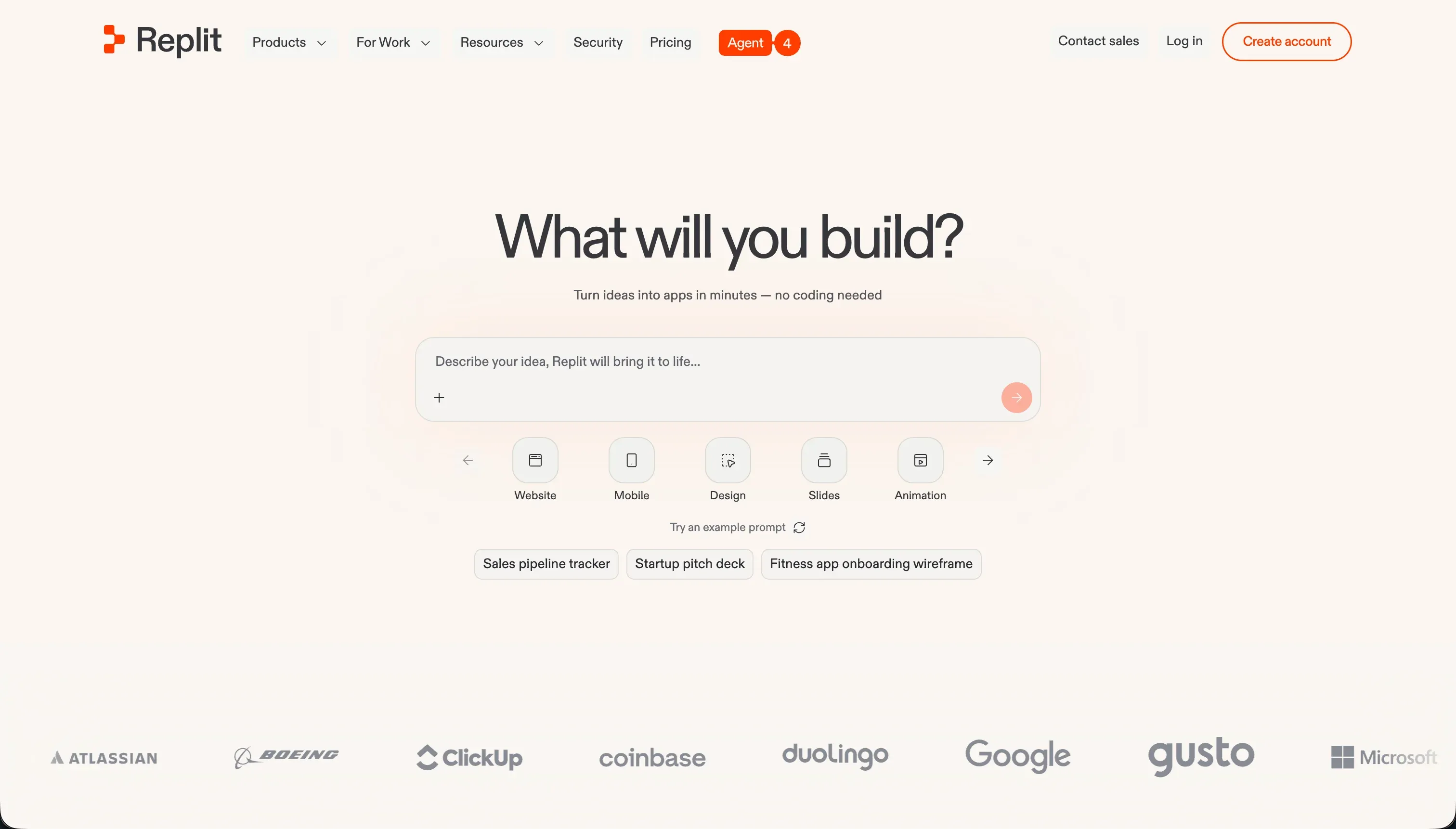
Replit is a cloud development environment that combines a browser IDE, hosting, database tooling, and AI app generation in one place. It is not just an app builder. It is a real coding workspace that happens to have an increasingly aggressive AI scaffolding layer.
In practice, Replit Agent can generate file structures, write code, install dependencies, and deploy an app from a prompt, while Ghostwriter adds autocomplete, refactoring help, and inline debugging. You also get a full terminal, package management, live previews, managed SQL databases such as PostgreSQL, multiplayer collaboration, and even Figma import. That makes it feel much closer to an online IDE than to a normal no-code builder.
It is genuinely built for developers, technical founders, and curious builders who want AI scaffolding without giving up access to the underlying code and runtime. The people who get frustrated are usually non-technical users who assumed prompting would remove the need for debugging, plus budget-sensitive teams that run into agent loops, unclear credit burn, or production bugs they now have to fix like any other software team.
| Spec | Details |
|---|---|
| Primary Stack | Browser-based multi-language IDE with AI code generation, managed compute, and SQL database support. |
| Interface | Full cloud IDE with terminal, live preview, database tools, and Replit Agent chat. |
| Primary Deployment Target | Hosted web apps on Replit infrastructure with autoscaling and custom domains. |
| Key Advantage | Combines AI scaffolding with a real developer environment instead of hiding the code. |
What is Softgen?
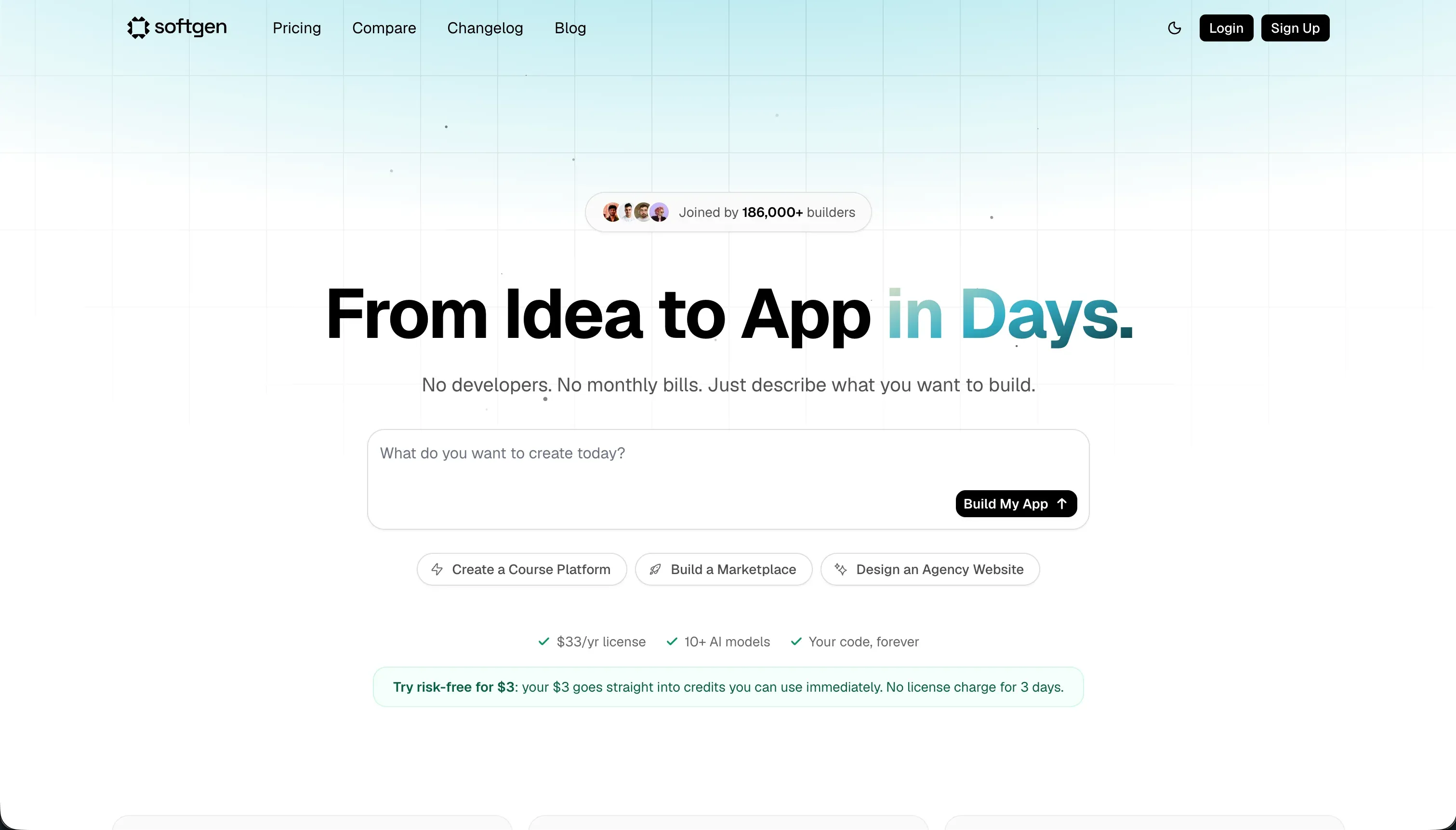
Softgen is a conversational AI application builder focused on generating web apps through chat. It sits closer to the AI scaffolding end of the market than to full development environments, and it positions itself as a lightweight way to build and host apps without a big monthly subscription.
In practice, Softgen’s Cascade AI agent helps you outline features, generate UI, create relational database schemas, add user authentication, and connect integrations like Stripe. It also supports one-click deployment, custom domains, conversational visual tweaking, and code export if you want to leave later. The main workflow is still chat-based, so most edits and rebuilds happen through prompting rather than through a rich visual editor or a full coding IDE.
It is genuinely built for creators, indie hackers, and founders testing MVPs, simple SaaS layouts, or directories without wanting the overhead of a full developer stack. The people who get annoyed are usually anyone trying to push beyond the default design assumptions, because repeated visual tweaks can burn credits fast and the lack of a proper drag-and-drop or full IDE layer makes fine control slower than the initial demo suggests.
| Spec | Details |
|---|---|
| Primary Stack | Conversational full-stack web app generation with hosted deployment and exportable code. |
| Interface | Chat-based builder centered on the Cascade AI agent. |
| Primary Deployment Target | Hosted web apps on Softgen with custom domain support. |
| Key Advantage | Low annual entry cost with code export and fast MVP-oriented scaffolding. |
The Core Difference
The biggest difference is not who can generate an app faster. It is whether you want AI inside a real developer workspace, or AI as the workspace itself.
- Replit runs as a genuine browser IDE with terminals, databases, deployment controls, and AI layered on top, which gives you more technical depth but also more engineering responsibility.
- Softgen runs as a chat-first application generator where the AI does most of the shaping, which lowers the initial barrier but makes later iteration more dependent on prompt loops and platform constraints.
Head-to-Head Comparison
We evaluated both platforms across four core categories.
1. Developer Experience & Iteration Speed
Replit is excellent in the first hour if you are even slightly technical. You can open a browser workspace, prompt Replit Agent to scaffold an app, inspect the generated files, run commands in the terminal, and preview everything live without local setup. Features like multiplayer collaboration and 2 to 10 parallel agents on paid plans also make it feel serious for team experimentation.
The downside is that iteration can turn into real engineering work very quickly. Replit’s own users report circular bug-fixing loops where the agent repeatedly claims success, burns credits, and still leaves obvious problems unresolved. Once the AI gets confused, you are not protected by a structured builder. You are just inside a codebase with compute bills, environment secrets, and the usual debugging burden.
Softgen is lighter and more approachable for quick iteration when the app is still simple. Its Cascade AI agent helps outline features, generate layouts, and adjust styling or copy through chat, so a founder testing a rough SaaS idea can move fast without touching a terminal. The low $33 per year access fee also reduces the friction of just trying it.
The problem is that iteration remains tied to prompting for longer than most people expect. Reviews and market summaries repeatedly point to prompt overhead when tweaking layouts or alignment, and there is no real drag-and-drop builder to fall back on. That makes Softgen feel smoother than Replit for non-technical first drafts, but more rigid when you need precise control over the tenth small edit.
Edge: Softgen, because for pure first-pass MVP iteration it is simpler and less intimidating than Replit’s full IDE workflow.
2. Code Quality & Portability
Replit gives you the strongest ownership story in this matchup because you are working directly with real code inside a real workspace. You can inspect files, use Ghostwriter to refactor, and collaborate in the same environment where the app actually runs. That is a materially better portability position than closed builders that never expose the stack.
Still, code access is not the same as low-friction portability. Replit apps are entangled with its hosting, database setup, secrets management, and runtime assumptions, so leaving can mean a real migration project. It is better than pure lock-in, but you still inherit the full burden of maintaining whatever the agent created.
Softgen’s appeal here is straightforward: it explicitly offers code export, which is important for indie hackers who want an escape hatch if the project outgrows the platform. That makes its lock-in story cleaner than many chat-only generators that keep everything trapped behind prompts.
The limitation is that export matters less if the generated app still needs manual coding to reach the level you want. Reviews already flag that customization beyond the initial output may require manual code, and that means the exported code is often a starting point, not a polished handoff. Softgen wins on stated exit path simplicity, but not necessarily on downstream engineering cleanliness.
Edge: Replit, because direct access to the live codebase and tooling is more useful than export alone if you actually plan to maintain the app.
3. Database & Backend Capabilities
Replit has the stronger backend toolbox on paper. It supports managed SQL databases such as PostgreSQL, includes backup and restoration tooling, and gives you terminal-level control for migrations or package changes. If you understand backend structure, you can shape a much more custom system here than inside a chat-only builder.
The problem is that this flexibility comes with risk and cost exposure. User reports mention the agent ignoring requested stacks, creating unwanted database choices, and even generating expensive checkpoint and migration behavior that led to overages as high as $1,500. Replit can clearly do more, but it also gives the AI and the user more room to create expensive messes.
Softgen does cover the basics that most MVP builders care about. It can generate relational database schemas, user authentication, and standard integrations like Stripe without asking you to architect everything manually. For a simple web app, that is often enough to create a functioning first version quickly.
Where it looks weaker is depth and control. Research points to a customization ceiling, limited flexibility compared with heavier platforms like Bubble, and a workflow where backend changes remain AI-mediated rather than managed through a robust admin layer. That is fine for a lightweight prototype, but less reassuring if the backend is becoming business-critical.
Edge: Replit, because it offers a real backend environment with serious database control, even if that power comes with more danger.
4. Hosting & Deployment Options
Replit’s deployment story is convenient and mature for a developer-first tool. You get instant hosting, autoscaling, custom domain routing, and live previews from the same environment where the code is written. That removes a lot of the usual glue work between coding and shipping.
But convenience is not the same as peace of mind. Community complaints repeatedly mention deployment mismatches, environment variable issues that were not caught in preview, and production instability tied to agent-generated changes. Replit hosts the app well enough, but it does not insulate you from the operational consequences of shipping generated code.
Softgen keeps deployment intentionally simple. One-click deployment and custom domains are enough for the founders and creators it targets, and the annual-plus-credits model makes the hosting story feel less intimidating than platform plans that start at $100 per month.
The tradeoff is that this simplicity is attached to a thinner product surface. Softgen can get an MVP live quickly, but there is less evidence of deep deployment controls or production-grade infrastructure tooling beyond the basics. For hobby projects and early validation that is acceptable. For anything infrastructure-sensitive, it is not especially reassuring.
Edge: Replit, because its hosting stack is broader and more developer-capable even if it exposes you to more operational sharp edges.
5. AI Quality & Reliability
Replit Agent is ambitious. It does more than generate snippets. It scaffolds apps, installs dependencies, writes docs, and runs self-correction loops to test and patch its own work. When it works, it feels like one of the most capable AI scaffolding systems in a browser-based environment.
Unfortunately, the reliability complaints are unusually loud. Public user reports describe nearly unlimited bug-generation loops, false claims that issues were fixed, throttled context, ignored tech-stack instructions, and billing spikes from repeated failed attempts. Replit’s AI is powerful, but it is also the more volatile system in this comparison.
Softgen’s AI scope is narrower, and that is partly a strength. Cascade AI focuses on outlining, generating, and modifying app structure through chat instead of acting like a full autonomous engineering agent with a terminal behind it. That usually means fewer spectacular failures than giving the model broad control over a live development environment.
The weakness is that reliability here often shows up as repetition rather than disaster. Prompting loops, visual rigidity, and credit burn on small edits are recurring complaints, so the AI can feel stubborn even when it is not catastrophic. Softgen is less dramatic than Replit, but also less capable.
Edge: Softgen, because its narrower AI scope creates fewer high-impact failure modes than Replit’s more autonomous but more error-prone agent.
6. Learning Curve & Onboarding
Replit lowers the barrier to coding better than traditional local setup. You can start in the browser, work across more than 50 languages, and let the agent scaffold a lot of the boring setup. For learners and technical founders, that makes it genuinely accessible in a way old-school dev environments are not.
But it is still a developer environment. To use it well, you need to understand files, packages, databases, secrets, deployment settings, and what to do when the AI makes a bad architectural choice. That means Replit is beginner-friendly mainly for people who want to become more technical, not for people who want the technical layer to disappear.
Softgen is easier to learn in the short term because the model is simple: talk to the AI, get an app, keep talking to adjust it. There is no terminal, no package manager staring at you, and no need to think in terms of runtime infrastructure on day one. For creators who do not want to feel like they just opened a devops dashboard, that matters.
The catch is that simplicity fades when the app no longer matches the AI’s defaults. Because there is no rich manual control surface, the learning curve turns into prompt craftsmanship and workarounds rather than visible product concepts. It is easier to start than Replit, but not always easier to finish well.
Edge: Softgen, because its chat-first model is easier for non-developers to pick up than Replit’s full browser IDE.

Pricing Comparison
Replit:
- Starter - $0 with daily dynamic Agent credits and up to 1 public published project.
- Replit Core - $20/month annually or $25/month monthly with $25.00 monthly credits, up to 5 collaborators, 2 parallel agents, and unlimited workspaces.
- Replit Pro - $95/month annually or $100/month monthly with $100.00 monthly credits, up to 15 collaborators, 50 viewers, 10 parallel agents, database rollbacks for 28 days, and premium models.
- Enterprise - Custom pricing with SSO/SAML, advanced privacy, single-tenant setup, VPC peering, and custom limits.
- Pro credit add-ons - $250 credits for $225/month, $500 for $440/month, $1,000 for $850/month, or $2,500 for $2,050/month when billed annually.
Softgen:
- Annual Membership - $33/year for platform access and hosting rights.
- AI Usage Credits - Pay-as-you-go credit packages for AI generation and updates, with no recurring monthly subscription required for usage.
Use Case Fit: When to use which?
When to choose Replit
- Choose Replit when you want a real in-browser IDE with terminal access, database tooling, and AI scaffolding in the same workspace.
- Choose Replit when your team is technical enough to debug code, manage infrastructure choices, and tolerate ongoing maintenance after the AI generates the first version.
- Choose Replit when developer flexibility matters more than predictable AI spend, especially for custom backends, multi-language projects, or collaborative coding.
When to choose Softgen
- Choose Softgen when you want the lightest path to a web MVP and prefer chatting with an AI over opening a full coding environment.
- Choose Softgen when low entry cost and code export matter more to you than deep deployment controls or advanced backend engineering.
- Choose Softgen when the project is a simple SaaS layout, directory, or early validation build where a customization ceiling is acceptable.
When neither Replit nor Softgen is the right fit
For internal tools and client portals
Neither Replit nor Softgen is the best answer if the real job is building business software for employees, clients, vendors, or partners. Both can generate a web app, but both leave too much of the day-two problem in your lap: prompt loops, code maintenance, brittle permissions, and too much trust in generated logic for things like auth and access control.
That is where Softr is the better fit. Softr starts with Softr Databases as the native option, then adds visual user groups, row-level permissions, authentication, workflows, and hosting that are ready for real users from day one. It is AI-first, but not AI-only, so you can co-build with AI and then maintain the app visually without reopening a prompt loop every time someone needs a new field, page, or permission rule.
For native mobile apps
Replit does mention mobile app development workflows, and Softgen can generate mobile-friendly web outputs, but neither is the cleanest path if your end goal is actual app-store distribution with a native-first development model. Replit still expects a lot of technical assembly, while Softgen is mostly oriented around web app generation rather than a serious native mobile pipeline.
If the requirement is shipping to the Apple App Store or Google Play with dedicated mobile tooling, start with FlutterFlow. If you want a more approachable mobile-first builder, Adalo or Glide are also better starting points than trying to stretch Replit or Softgen into a job they were not primarily designed to do.
For visual programming and heavier no-code logic
Some projects need more than chat-based scaffolding but less than a full developer IDE. That is exactly the awkward middle where both of these tools start to feel compromised. Replit gives you plenty of power, but you pay for it with engineering overhead. Softgen keeps the interface simpler, but its customization ceiling arrives early if the app needs unusual workflows or more deliberate UI structure.
For that middle ground, Bubble or WeWeb make more sense. Bubble is stronger when you need deep visual logic and more programmable workflows, while WeWeb is the cleaner pick when you want a more frontend-oriented builder without being trapped in chat-only iteration.

Verdict
Pick Replit if you want the more serious technical environment and you are comfortable accepting the mess that can come with it. It is the better tool for builders who want direct access to code, databases, terminals, and deployment settings in one browser workspace. The tradeoff is that you are also accepting credit volatility, agent regressions, and the full maintenance burden that comes with shipping real software.
Pick Softgen if you want a cheaper, calmer, and more approachable route to a simple web app or MVP. It is better for creators who want to validate an idea, get something hosted quickly, and keep an export path open without paying Replit-level monthly pricing. The tradeoff is that you get less depth, less control, and a more obvious customization ceiling once the app moves beyond the AI’s preferred patterns.
The bigger truth is that neither tool solves the day-two problem for business apps especially well. Replit gives you code ownership but also code maintenance, while Softgen reduces the surface area but keeps you dependent on prompt iteration. If the real project is an internal tool, CRM, partner portal, or client-facing operational app, Softr ages better because it ships with Softr Databases, permissions, auth, workflows, and visual maintenance built in from the start.

Summary Comparison Table
| Criterion | Replit | Softgen |
|---|---|---|
| Best for | Technical founders, developers, and browser-based coding teams | Indie hackers and creators testing lightweight web MVPs |
| Build paradigm | Full cloud IDE plus autonomous AI scaffolding | Conversational AI app generation |
| Output type | Real code running in a managed dev environment | Generated web app with export option |
| Database | Managed SQL databases with backup and migration tooling | AI-generated relational schemas for simpler apps |
| Pricing metric | Subscription plus usage-priced AI credits | Low annual fee plus pay-as-you-go credits |
| Maintenance burden | High once the generated code needs ongoing care | Moderate at first, then rising as prompt edits accumulate |
| Code export | Direct code access in the workspace | Explicit export path if you outgrow the platform |