

[!WARNING] Mocha is shutting down on August 1, 2026. On May 15, 2026, the Mocha team announced they are sunsetting the tool due to high user acquisition costs, expensive AI token unit economics, and unsustainable support demands. Users must export their code and data before August 1. The team recommends migrating to Anything. This comparison exists for architectural context and migration planning only - do not start new projects on Mocha.
Softgen and Mocha both went after the same market: builders who want to describe an app in plain language and get something working without touching code. They chose completely different technical approaches to solve that problem, and the results expose some interesting tradeoffs in how AI app builders actually work in practice.
Mocha’s shutdown makes the choice academic for new projects. But understanding why two platforms targeting the same user ended up with such different architectures - and different fates - is useful context for anyone evaluating the broader AI app builder landscape.
Meet the Contenders
What is Softgen?
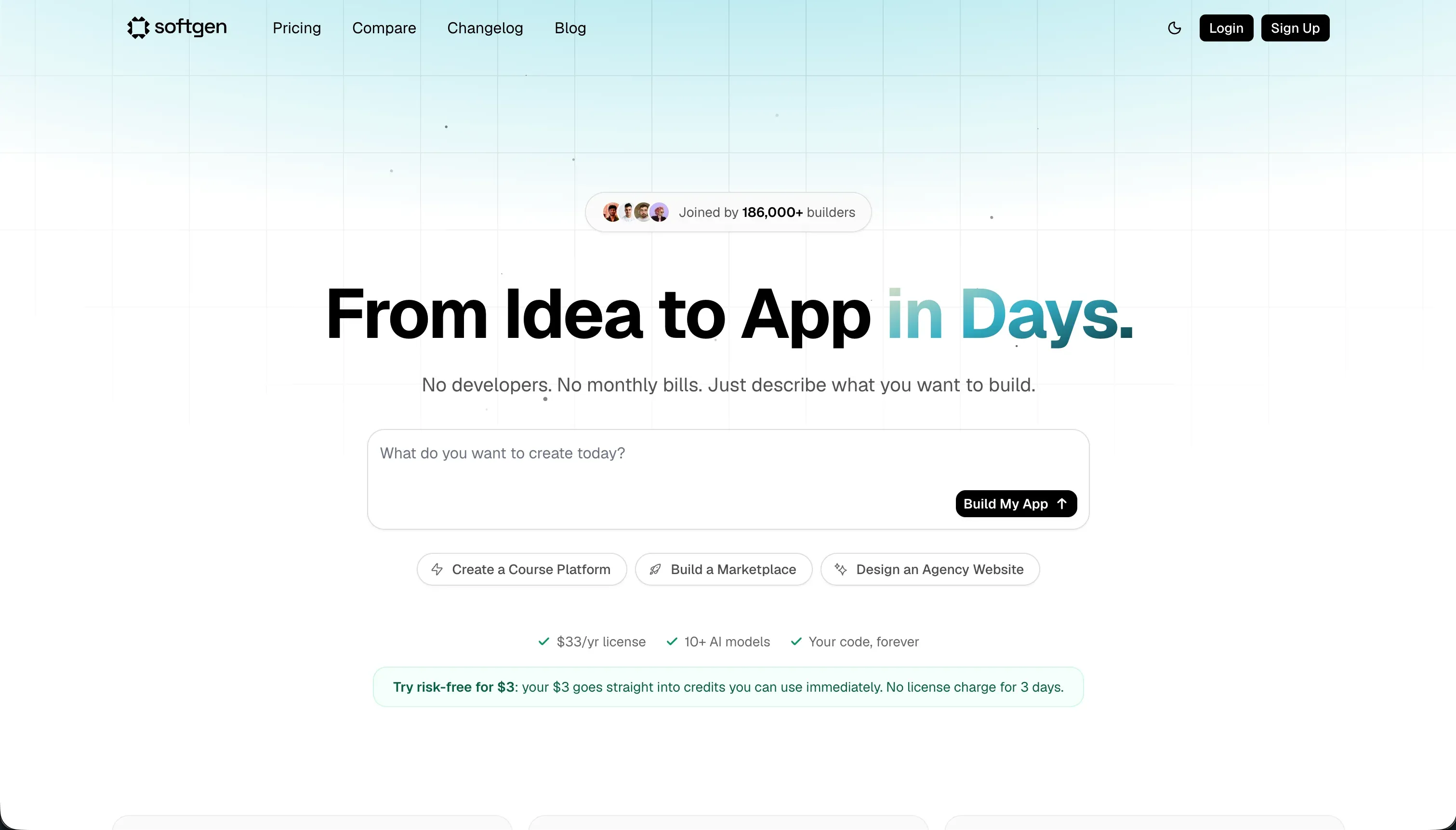
Softgen is a chat-driven app builder built around its Cascade AI Agent. You describe what you want to build in conversational language, and the agent walks you through outlining features, generating a database schema, setting up authentication, and scaffolding the frontend. It targets indie hackers and early-stage founders who want to move from idea to deployed application without hiring a developer. The annual membership model is deliberately positioned as an affordable alternative to tools with heavy monthly subscription fees, though the pay-as-you-go credits on top of that base price can add up during active iteration.
| Spec | Details |
|---|---|
| Primary Stack | Full-stack web (React/Node + SQLite) |
| Interface | Conversational Cascade AI agent |
| Primary Deployment Target | Softgen Cloud (custom domain support) |
| Key Advantage | Low annual base fee with code export and active platform |
What is Mocha?
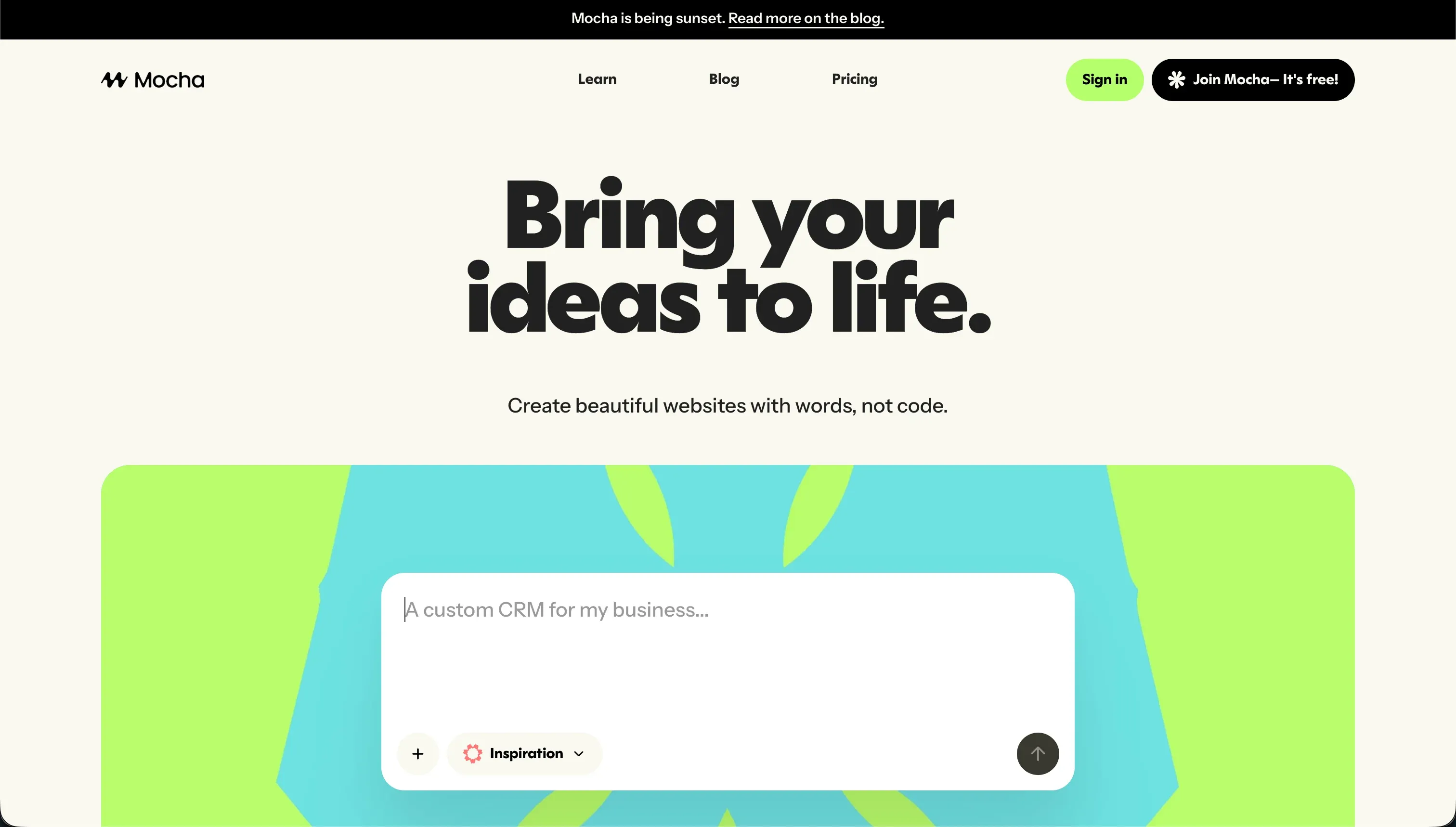
Mocha (formerly Srcbook) generated React web applications with a pre-integrated SQLite database and Google Sign-In authentication from a single text prompt. Its standout feature was automated bug resolution - when the AI introduced a compilation error during generation or iteration, it would attempt to detect and fix that error automatically without requiring the user to intervene. This made Mocha unusually smooth for early-stage prototyping. On May 15, 2026, the team announced the platform is shutting down on August 1, 2026, citing high user acquisition costs and unviable AI token economics.
| Spec | Details |
|---|---|
| Primary Stack | React, Node.js, SQLite |
| Interface | Prompt-to-app chatbot with automated bug resolution |
| Primary Deployment Target | Mocha Cloud (offline August 1, 2026) |
| Key Advantage | Automated compiler bug-fixing - now in sunset |
The Core Difference
The most revealing architectural difference between these two tools is how they handle errors. When Softgen’s AI generates code that doesn’t work, you find out in the preview and have to prompt the AI again to fix it - burning credits in the process. When Mocha’s AI generated broken code, the system would detect the compilation failure and run another cycle to fix it automatically, without requiring any user action.
That’s a meaningful UX distinction. Compilation loops - where an AI introduces a bug, the user prompts it to fix the bug, the AI introduces a slightly different bug, and the cycle repeats - are one of the biggest time sinks in AI-generated development. Mocha’s automated resolution system was a direct attempt to break that loop. The tradeoff, as users discovered, was that the automated fixing cycles still consumed credits, and could sometimes make things worse by chaining several failed fix attempts together.
Softgen’s approach is more manual but more transparent. You see what the AI generated, decide whether it needs correcting, and prompt accordingly. This gives you more control over when you spend credits, but puts more decision-making burden on the user. For a non-technical builder who can’t immediately recognize whether a generated output has a logical error, this is a harder loop to manage.
The second major difference is platform durability. Softgen is an active, operating platform. Mocha is not. Any comparison beyond historical context is moot for new projects.

Head-to-Head Comparison
1. Developer Experience & Iteration Speed
Softgen’s Cascade Agent does something most chat-based builders skip: it asks clarifying questions before it starts generating. Rather than immediately scaffolding whatever you typed, it prompts you to confirm the feature scope, the data model, and the user flows you need. This pre-generation planning step reduces the likelihood of a completely wrong initial output and makes the first iteration meaningfully more accurate.
The downside shows up during refinement. Once Softgen has generated your initial application, making precise visual changes through chat is tedious. Describing “move the header text 16 pixels to the left” or “make the table rows alternate between white and light gray” through a chat interface is much slower than dragging elements in a visual editor. Users in community reviews specifically flag this as a credit sink - small visual tweaks can require several rounds of prompting, and each round costs.
Mocha’s prompt-to-app flow was faster for the very first generation. You typed a description, and within minutes you had a working application with a database and a login screen. The automated bug-fixing was genuinely impressive for the MVP use case. The problem emerged at scale: once the generated codebase grew past a certain complexity, the AI’s fixes became less reliable, and users reported instances where the automated resolution introduced new issues while resolving old ones.
2. Code Quality & Portability
Softgen generates a full-stack codebase that you can download and run outside the platform. The quality of this output varies by complexity - simple applications with standard CRUD patterns tend to export cleanly, while more complex workflows with conditional logic may require developer review. The generated code is not proprietary; it’s a standard web application codebase that any developer can pick up and extend.
Mocha generated a React and Node.js project that could be downloaded and redeployed independently. For existing Mocha users, this export capability is now critical - it is the only path to keeping their applications running after August 1, 2026. The export quality was generally good for simple applications, with a clean separation between frontend components and backend routes.
Both platforms share a common limitation: what you export is a snapshot of the generated code at a point in time. It is not a managed application. There is no automatic update path, no zero-maintenance hosting, and no visual interface for non-technical team members to modify it later. Once you export, you own the maintenance responsibility entirely.
3. Database & Backend Capabilities
Softgen generates relational database tables through its AI planning conversation. Before building, the agent walks you through defining the entities you need - users, products, orders, whatever your application requires - and generates the schema accordingly. Basic user authentication is included. What’s missing is any meaningful access control layer: you can’t configure which user groups see which records, set field-level visibility rules, or create data filters based on user attributes.
Mocha’s SQLite database was arguably better for the zero-configuration MVP use case. It came pre-integrated with the application, connected to Google Sign-In out of the box, and worked immediately without any setup steps. SQLite is appropriate for early-stage testing with small user volumes, but is not a suitable database for applications that need to handle real concurrent users or significant data volumes.
Neither platform approaches the database security model that business applications actually need. Row-level data filtering, conditional visibility by user group, and role-based access controls are all absent. These features matter the moment you start building anything that serves more than one type of user - which is almost every real business application.
4. Hosting & Deployment Options
Softgen manages cloud hosting for deployed applications. You get a live URL and can connect a custom domain. The hosting is straightforward and doesn’t require you to manage servers, configure environments, or deal with deployment pipelines. For a solo builder launching a first product, this is genuinely useful.
The limit is that Softgen’s hosting is tied to the Softgen platform. If your needs grow beyond what the platform supports - custom server logic, advanced caching, region-specific deployments - you need to export the code and migrate to your own infrastructure.
Mocha’s hosting environment will be decommissioned on August 1, 2026. Any application currently hosted on Mocha must be migrated before that date. Users who have live applications need to export their codebase and redeploy to a standard host like Vercel or Netlify. Mocha’s team recommends Anything (anything.com/mocha) as an official migration path.
Pricing Comparison
Softgen’s pricing structure is two-layer. The annual membership costs $33/year and covers platform access and hosting rights. On top of that, AI-powered generation and modifications run on pay-as-you-go credits purchased in packages. This structure makes the base cost very accessible - $33/year works out to under $3/month - but the true cost depends entirely on how actively you use the AI.
For a builder who generates an initial application and makes occasional updates, the credit cost may be minimal. For a builder who is actively iterating, debugging, and refining over a period of weeks, credit consumption can easily exceed the base subscription cost by a significant margin. Community feedback consistently flags this unpredictability as a pain point. There is no way to reliably estimate how many credits a given session will consume before you start.
Mocha previously offered four tiers: a Free plan (120 credits/month, 1 deployed app), Bronze at $20/month (1,500 credits/month, 5 apps), Silver at $50/month (4,500 credits/month, 15 apps), and Gold at $200/month (25,000 credits/month, 25 apps). All billing has been suspended as the platform winds down toward its August 1 shutdown.
Use Case Fit: When to use which?
When Softgen makes sense
- You want to build a basic web application MVP - a tracker, a directory, a simple SaaS concept - from a text description without writing code.
- You want to retain code ownership through export, so you can hand the codebase off to a developer for future development.
- You want an active platform with cloud hosting and custom domain support at a very low annual base cost.
- You understand the credit model and have a realistic estimate of your iteration volume before committing.
When Mocha makes sense (historical context only)
- You are an existing Mocha user who needs to export your codebase before August 1, 2026.
- You want to understand how automated compiler bug-fixing worked as a UX concept - this pattern will likely appear in successor platforms.
- Do not start new projects on Mocha.
When neither Softgen nor Mocha is the right fit
For native mobile apps
Neither platform produces native mobile binaries for App Store or Google Play distribution. Softgen’s generated code can theoretically be compiled for mobile platforms with developer effort, but there is no guided mobile publishing workflow. If native app store publishing is your goal, FlutterFlow is the appropriate tool. It builds on Flutter’s mobile-first layout engine, compiles directly to iOS and Android binaries, and provides a visual builder specifically designed for mobile UI patterns. You get a genuinely native app, not a responsive web page packaged in a thin native shell.
For internal tools and client portals
Chat-driven code generators are poorly suited for the ongoing maintenance cycle that business applications require. Teams change their requirements constantly - a new user role here, a new data field there, a change to which clients can see which records. Every one of these changes in Softgen requires prompting the AI, reviewing the output, and hoping nothing regressed. Non-technical team members cannot make these changes independently.
For B2B tools, Softr handles this category more reliably. It provides a visual drag-and-drop builder, native database and Airtable integration, point-and-click user group management, and conditional data visibility rules. Changes take minutes and don’t require touching code or burning AI credits. Pricing is flat-rate per month, not pay-per-iteration.
For professional developer environments
Experienced developers will hit the ceiling of both platforms quickly. The chat-first interface is designed to abstract away code, but developers who know what they want to build will work faster in a proper code editor. Cursor is a VS Code fork with deep AI integration - it understands your codebase and can edit across multiple files simultaneously. For cloud-based development, Replit provides a full virtual machine environment with AI assistance, collaborative editing, and the ability to run actual backend services without configuring your own infrastructure.

Verdict
This comparison has a clear practical answer: use Softgen. Mocha is shutting down on August 1, 2026, and cannot be used for new projects regardless of its technical merits.
The more interesting question is whether Softgen is the right tool for your project at all. It is genuinely useful for founders who want to go from concept to hosted application without writing code and without a significant monthly subscription commitment. The $33/year base cost is hard to argue with for validation work.
The honest trade-off is that Softgen - like every chat-based AI generator - is a first-draft tool. It is good at getting you to a working prototype quickly. It is not good at the sustained, precise iteration that most real applications require once real users start using them. If you are validating an idea before investing in a proper development setup, Softgen is a reasonable tool. If you are building something you expect to maintain and grow for more than a few months, plan your exit strategy from day one.

Summary Comparison Table
| Feature | Softgen | Mocha |
|---|---|---|
| Build Paradigm | Conversational AI agent + planning flow | Prompt-to-app with automated bug resolution |
| Output Type | Full-stack web (React/Node) | React / Node.js |
| Database | AI-generated SQLite tables | Pre-integrated SQLite + Google Auth |
| Visual Permissions | Basic auth only | Basic auth (Google Sign-In) |
| Pricing Metric | $33/year base + pay-as-you-go credits | Sunset - no active billing |
| Maintenance Burden | High (developer needed post-export) | Critical (migrate before August 1, 2026) |
| Code Export | Yes | Yes - export immediately |