

Softgen and WeWeb are both tools that let you build web applications without writing code from scratch. That is roughly where the similarity ends. Softgen abstracts away the entire development environment behind a chat interface. WeWeb is a visual IDE that gives you CSS-level layout control and API-binding flexibility but requires you to bring your own backend. These different design philosophies produce tools that serve very different audiences and fail in very different ways.
Understanding this contrast is useful not just for choosing between these two tools, but for understanding a broader split in the no-code/low-code landscape: generative AI tools that do everything automatically versus visual development environments that do nothing automatically but give you precise control.
Meet the Contenders
What is Softgen?
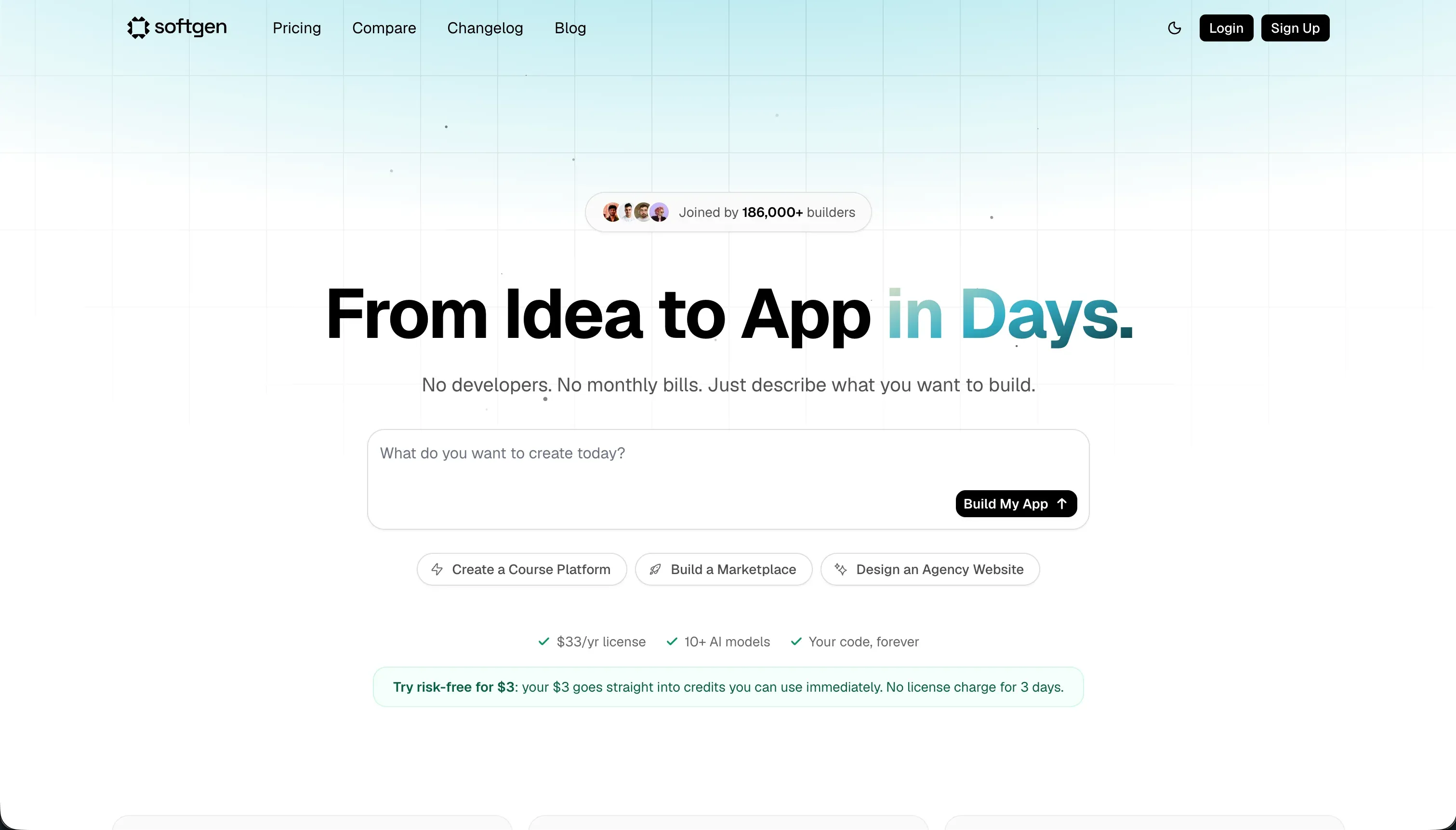
Softgen is a chat-driven application builder built around its Cascade AI Agent. You describe what you want to build, the agent walks you through planning the feature set and data model, and then generates a working full-stack web application including a user interface, database schema, user authentication, and hosting deployment. The platform is explicitly designed for non-technical builders: there is no component canvas to drag elements onto, no CSS panel to adjust spacing, and no query editor to connect databases. Everything happens through conversation with the AI.
| Spec | Details |
|---|---|
| Primary Stack | Full-stack web (React/Node + SQLite) |
| Interface | Conversational Cascade AI agent with planning phase |
| Primary Deployment Target | Softgen Cloud (custom domain support) |
| Key Advantage | Zero technical setup required, low annual base cost |
What is WeWeb?
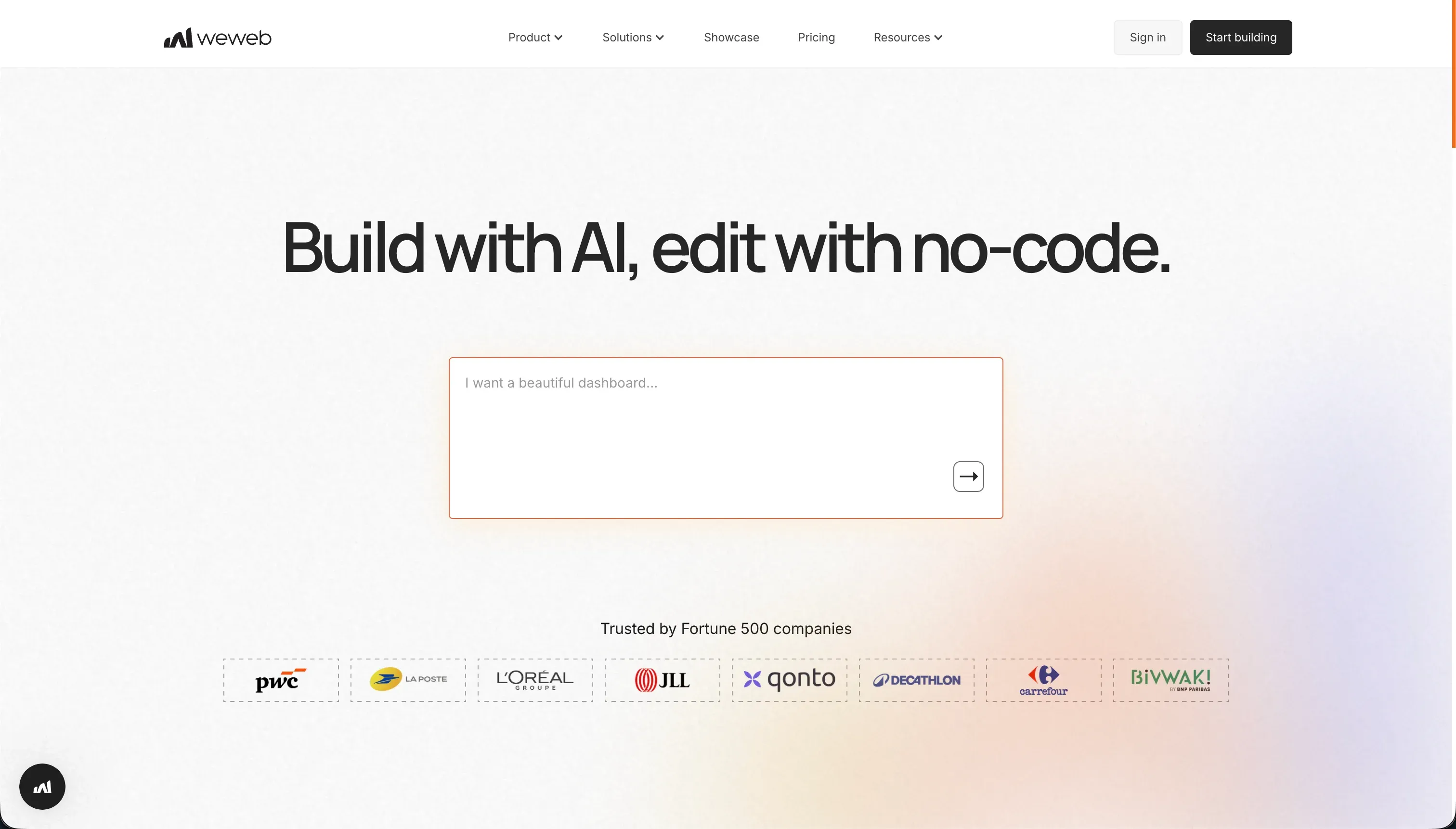
WeWeb is a visual frontend builder for web applications. Its editor provides CSS flexbox and grid layout controls, a state management interface for configuring variables and user action triggers, and a data-binding system for connecting components to external APIs and databases. WeWeb does not store data internally - it is a pure frontend tool that displays and interacts with data held in an external backend service (Xano, Supabase, Airtable, or any REST/GraphQL API). It targets agencies and frontend developers who need visual layout control without writing HTML and CSS from scratch, while retaining the ability to connect to any backend.
| Spec | Details |
|---|---|
| Primary Stack | Vue.js, Nuxt.js, Tailwind CSS |
| Interface | Visual drag-and-drop editor + CSS controls + state manager |
| Primary Deployment Target | WeWeb CDN (or Vue.js/Nuxt.js export on Scale+) |
| Key Advantage | CSS-level visual precision with connection to any external backend |
The Core Difference
The fundamental difference is where the complexity lives. Softgen hides all complexity inside the AI: you never configure a database, never adjust a CSS rule, never write an API binding. The AI handles everything, and you interact with the result through the chat interface. This makes Softgen accessible but inflexible - you get what the AI decides to build, modified through further conversation.
WeWeb makes complexity explicit and gives you control over it. You see the CSS flexbox layout. You configure the API binding manually. You set up authentication token handling yourself. This is not complexity for its own sake - it is precision. A WeWeb-built interface looks exactly the way you built it, with no AI interpretation layer between your design intent and the output. The trade-off is that this precision requires frontend development knowledge to exercise, and it requires a separate backend service to be useful for any real application.
This difference also determines how each tool fails. When Softgen fails, the AI misinterprets your prompt and generates something wrong, or a prompting loop burns through credits without achieving the desired result. When WeWeb fails, documentation gaps leave you guessing about how to configure a feature, or a support ticket sits unanswered for days. Both failures are frustrating, but they are qualitatively different - one is an AI problem, the other is a tooling and documentation problem.

Head-to-Head Comparison
1. Developer Experience & Iteration Speed
Softgen’s iteration speed is strong for initial generation. You can go from a text description to a deployed application in a few hours, including database setup and user authentication. The Cascade Agent’s planning conversation reduces the likelihood of a completely wrong first output, which is a genuine advantage over tools that generate immediately without confirmation.
The iteration speed declines significantly after the initial build. Making visual adjustments through chat is slower than direct manipulation. Describing “add a filter to the table that lets users sort by date” is clear enough. Describing “move the header image 24px to the right and increase the font size of the tagline by two points” through a text conversation is frustrating and prone to misinterpretation. Users in community reviews consistently identify visual refinement as the primary credit sink and time sink in Softgen.
WeWeb’s initial setup is slower because of the backend configuration requirement. Before you can show any real data in your WeWeb application, you need a working backend: a Supabase project with its schema defined, or an Xano workspace with its API configured, or another external data source set up and documented. This typically takes days, not hours. Once the stack is connected, however, WeWeb’s visual iteration speed is fast. Direct manipulation of layout elements, immediate visual feedback, and the ability to configure state logic without touching code gives experienced users a productive inner loop.
The documented weakness in WeWeb’s experience is customer support. Product Hunt reviews describe support as “horrendous” and “not transparent,” with tickets going unanswered. Multiple reviewers specifically mention being billed after cancellation. For a platform at $59/month for the entry production tier, the support responsiveness is a genuine operational risk.
2. Code Quality & Portability
Softgen generates a full-stack web application that can be exported and run outside the platform. The code quality for simple CRUD applications is generally functional, though AI-generated codebases tend to accumulate technical debt in areas like error handling, edge cases, and application-level security that the AI does not explicitly prompt you to address. The exported code is not proprietary and can be modified by any developer.
WeWeb generates a Vue.js/Nuxt.js codebase on its Scale and Enterprise plans. The code export is clean and portable - Vue.js is a standard, widely-used JavaScript framework, and a developer receiving WeWeb-exported code has a recognizable starting point. The limitation is the gating: Starter plan users ($39/month annually) cannot export their code. If you have built something on the Starter plan and want to migrate away, you must upgrade to Scale ($199/month annually) before you can extract your work.
The architectural portability difference is worth noting: WeWeb’s exported frontend code is genuinely portable because it connects to external backends through standard API calls. Migrating a WeWeb frontend to a different hosting environment is relatively straightforward - the frontend code works anywhere, and the backend continues to exist independently. Softgen’s exported codebase includes a backend that was generated specifically for Softgen’s deployment environment, which may require adaptation to run on a different host.
3. Database & Backend Capabilities
WeWeb has no native database. This is a deliberate architectural choice, not a gap. WeWeb’s design philosophy is that the frontend and backend should be separate concerns, and that a visual frontend builder should not try to be a database. The benefit is that you can connect WeWeb to any backend that exposes an API - giving you full flexibility to use the database technology appropriate for your use case. The cost is that you must build, configure, and maintain that backend yourself.
For teams with existing backend infrastructure (a production PostgreSQL database, an internal API, a Salesforce instance), WeWeb’s decoupled architecture is an advantage: you can build a visual frontend on top of your existing systems without migrating data. For teams starting from scratch, the cost and complexity of setting up a backend before they can start building is a significant friction point.
Softgen generates a SQLite database structure as part of the application generation process. For simple applications with modest data volumes and a single user role, this works. SQLite is not a production-grade database for applications that need concurrent users, complex relational queries, or significant data volumes. Softgen also lacks any visual permission management: there is no panel for configuring which user groups see which data, no row-level filtering configuration, and no field-level visibility controls. These are standard requirements for business applications.
4. Hosting & Deployment Options
Softgen deploys to a managed cloud environment immediately. You get a live URL and custom domain support with no infrastructure configuration required. This is one of Softgen’s genuine strengths: for a non-technical builder, not having to configure hosting, SSL certificates, or server environments saves meaningful time and reduces the technical knowledge requirement.
The hosting is tied to the Softgen platform. If you outgrow the platform’s capabilities, or if Softgen’s infrastructure has availability issues, your application is affected. For validation-stage applications, this dependency is an acceptable trade-off. For production applications where uptime is business-critical, the hosting dependency is a risk to evaluate.
WeWeb deploys to its own global CDN infrastructure with staging environments on the Scale plan. The Scale plan’s staging environment is valuable for teams that need to test changes before pushing to production - something Softgen does not offer. On Scale and Enterprise plans, you can also export the compiled Vue.js codebase and host it anywhere (Vercel, Netlify, your own server), removing the WeWeb hosting dependency entirely.
WeWeb’s mobile experience has drawn specific criticism from reviewers: one Product Hunt reviewer noted that “the experience is way better on laptop than mobile” and described planning to move to a different solution for mobile users. For applications where mobile performance matters, this is a relevant data point.

Pricing Comparison
Softgen’s pricing is two-tier: a $33/year annual membership for platform access and hosting rights, plus pay-as-you-go credit packages for AI-powered generation and updates. The $33/year base cost is unusually low for this category. The variable credit cost is harder to predict. Light users who generate an application and make infrequent changes will find the total cost very manageable. Heavy iterators who are actively refining and debugging through the chat interface may find credit consumption exceeds the base subscription cost by a significant margin.
WeWeb’s pricing starts with a Free tier that includes editor access and visual builder functionality, but limits you to 150 database records and a WeWeb subdomain - not suitable for production. Starter at $39/month (billed annually) or $59/month monthly gives you one published app with a custom domain and 50,000 monthly page views. Scale at $199/month annually or $249/month monthly adds staging environments, 3 published apps, 250,000 monthly page views, and code export. Enterprise pricing is custom.
For a production application, WeWeb’s minimum realistic cost is $39/month annually, plus the cost of a backend service: Supabase Pro starts at $25/month, Xano starts at $49/month. A basic WeWeb stack therefore costs at minimum $64-88/month. Softgen’s base cost of $33/year (roughly $2.75/month) plus credits is lower for the same initial build, but WeWeb’s fixed monthly model becomes more predictable for ongoing, maintenance-heavy projects.
Use Case Fit: When to use which?
When Softgen makes sense
- You are a non-technical founder or creator who wants to validate an idea by deploying a working application to real users without any infrastructure setup.
- You want to generate a basic full-stack application (CRUD tool, directory, simple SaaS concept) quickly through a chat conversation.
- You want to retain code export rights to hand off the project to a development team for production development.
- Budget is a primary concern and the $33/year base cost is meaningful to you.
When WeWeb makes sense
- You are a developer or agency building a visual frontend for an application that already has a backend (Xano, Supabase, a REST API, or Airtable).
- You need CSS-level layout control and the ability to configure precise visual behavior that a chat interface cannot reliably produce.
- You want to build a polished, branded web application with precise visual polish and the ability to export clean Vue.js code.
- You are comfortable with frontend development concepts including CSS flexbox, API bindings, state management, and JWT authentication.
- Your client or project requires staging environments to test changes before they go live.
When neither Softgen nor WeWeb is the right fit
For native mobile apps
Neither platform produces native mobile binaries for App Store or Google Play distribution. WeWeb produces responsive web applications and PWAs; Softgen generates web applications. Neither compiles to iOS or Android native code. For genuine native app publishing - with App Store presence, push notifications, and offline support - FlutterFlow is the right platform. It is built on Flutter’s mobile-first widget engine, compiles directly to native iOS and Android, and handles the App Store submission process within the platform. The visual builder is specifically designed around mobile interaction patterns rather than responsive web layouts.
For internal tools and client portals
WeWeb’s required decoupled stack (frontend + separate backend service) is complex to set up and maintain for business teams without frontend developers. Softgen’s generated database lacks the access control layer that multi-role business applications need. For client portals, partner dashboards, and internal team tools that non-technical operators need to manage, Softr is more directly suited. It is an all-in-one platform - database, authentication, and builder in one place - that eliminates the integration burden of WeWeb’s decoupled architecture. Point-and-click user group management with conditional data visibility, a visual builder that non-developers can maintain, and flat-rate monthly pricing with no per-seat fees make it a more stable foundation for ongoing business operations.
For professional developer environments
If you are an experienced developer, WeWeb’s visual IDE is the more useful of these two tools, but you will still hit its limits. For full code control with AI assistance, Cursor integrates AI deeply into a VS Code fork that understands your entire codebase. For cloud-based development with real backend infrastructure, Replit provides virtual machine environments with AI assistance, collaborative editing, and the ability to run database services without managing your own server infrastructure.

Verdict
Softgen wins on accessibility and cost if you are a non-technical builder who needs a working application quickly with zero infrastructure setup. It is a validation tool: good at getting you to a working prototype, not designed for the sustained precision iteration that most real applications eventually require.
WeWeb wins on precision, portability, and production-readiness for developers and agencies who already have a backend and need a sophisticated visual frontend builder with clean code export. The learning curve and stack complexity are real, and the support quality issues documented in community reviews are worth monitoring - but the output quality for visually-precise, API-connected applications is significantly higher than what a chat-based generator can reliably produce.
The scenario where you would genuinely choose between these two is narrow. If you are a non-developer, WeWeb’s complexity will be a hard stop. If you are a developer who needs precise visual control and API flexibility, Softgen’s chat-only interface will be frustrating. The decision usually makes itself.

Summary Comparison Table
| Feature | Softgen | WeWeb |
|---|---|---|
| Build Paradigm | Conversational AI generator | Decoupled visual frontend IDE |
| Output Type | Full-stack web application | Vue.js / Nuxt.js (frontend only) |
| Database | AI-generated SQLite (basic) | None - external backend required |
| Visual Permissions | Basic auth only | Delegated to external backend |
| Pricing Metric | $33/year base + pay-as-you-go credits | $39-199/month (annual) + backend service cost |
| Maintenance Burden | High (AI chat loop for changes) | Medium (frontend developer + backend management) |
| Code Export | Yes (full codebase) | Yes (Scale and Enterprise plans only) |