

v0 and FlutterFlow are both described as “AI app builders” in the same roundups, but they’re solving completely different problems. v0 generates polished React UI components from prompts - think of it as an AI-powered design scaffolding tool for web developers. FlutterFlow compiles native mobile apps to the App Stores using Google’s Flutter framework. The only real overlap is that both involve some form of AI generation, and both target builders who want to move faster than writing code from scratch.
If you’re deciding between them, the core question is simple: are you building a web UI, or a native mobile app? That answer probably settles the comparison immediately. But if you’re still unsure about which category your project fits, or you want to understand the tradeoffs in depth, this breakdown covers everything.
Meet the Contenders
What is v0?
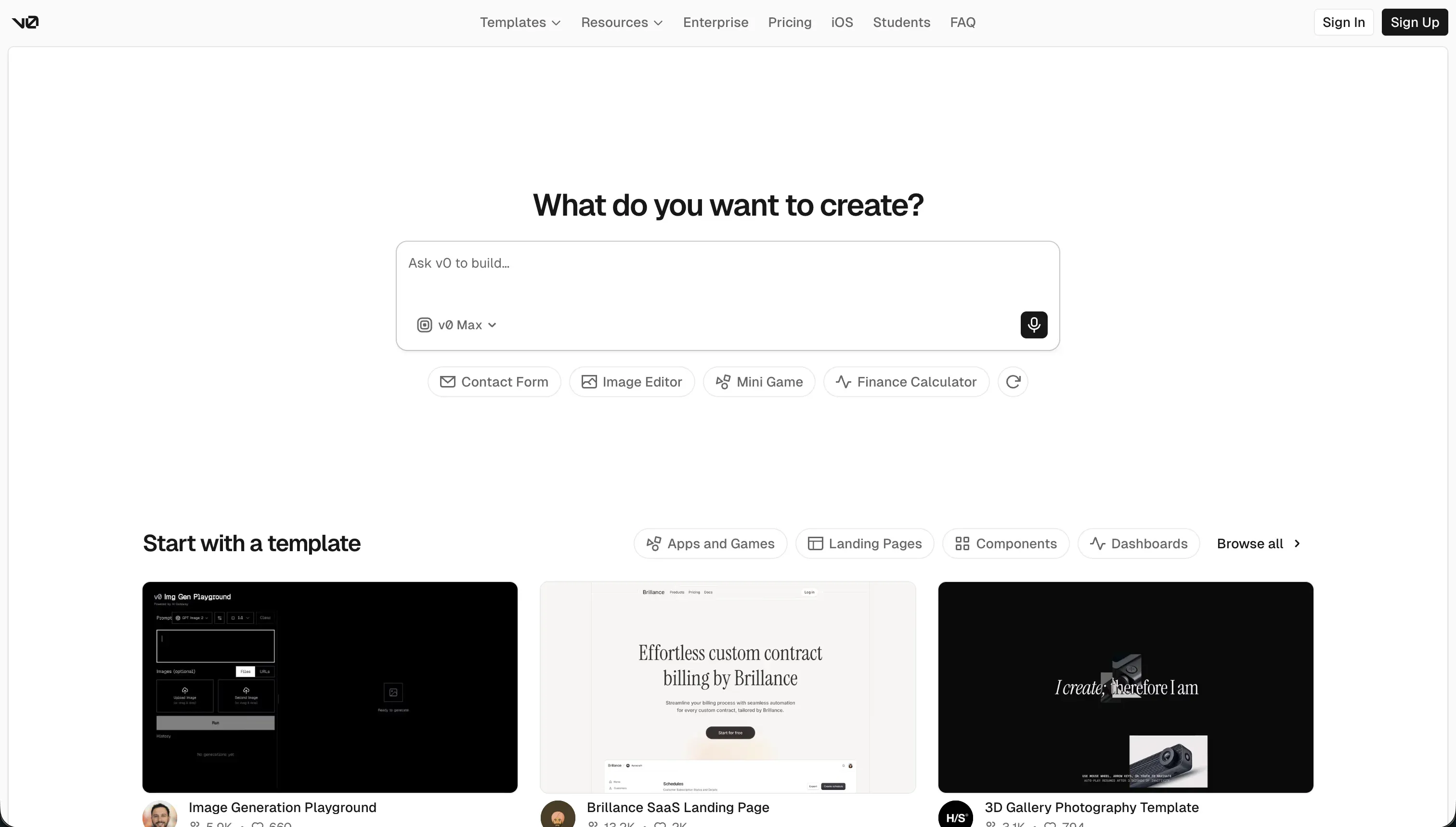
v0 is Vercel’s AI-powered frontend generation tool. You describe a UI in natural language, upload a sketch or screenshot, and v0 scaffolds React and TypeScript components styled with Tailwind CSS and shadcn/ui. The output is clean, inspectable code that syncs to GitHub and deploys to Vercel’s CDN.
It’s used primarily for rapid UI prototyping - giving developers a strong visual starting point that they extend and wire into a real backend themselves. It’s not a full-stack tool.
| Spec | Details |
|---|---|
| Primary Stack | React, TypeScript, Tailwind CSS, shadcn/ui |
| Interface | Natural language prompt + design mode (screenshot/sketch upload) |
| Primary Deployment Target | Vercel CDN or GitHub sync |
| Key Advantage | High-quality frontend generation with clean, exportable React code |
What is FlutterFlow?
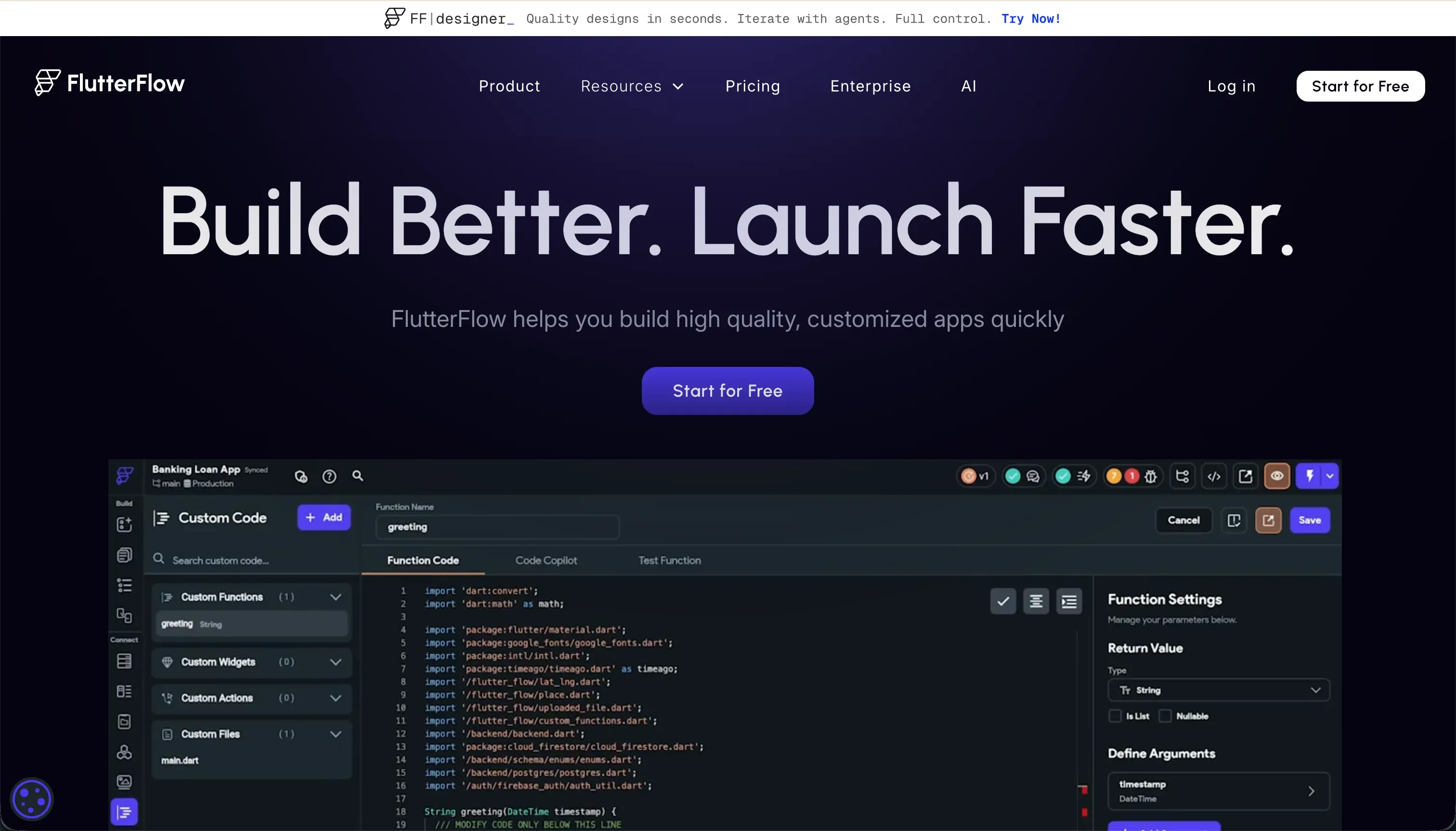
FlutterFlow is a visual development environment built on Google’s Flutter framework. It provides a drag-and-drop interface that maps directly to Flutter’s widget tree - Containers, Rows, Columns, Stacks. You connect to Firebase or Supabase as a backend, configure logic through a visual action editor, and then compile the project to native iOS and Android binaries for App Store distribution.
FlutterFlow includes an AI Gen feature that can scaffold screens and components from text prompts, but the platform is fundamentally a visual IDE - not a prompt-first tool.
| Spec | Details |
|---|---|
| Primary Stack | Flutter (Dart), Firebase, Supabase |
| Interface | Visual drag-and-drop widget builder + AI Gen |
| Primary Deployment Target | iOS App Store, Google Play Store, web |
| Key Advantage | Native mobile compilation with full Dart code export |
The Core Difference
v0 is a design accelerator for web developers. It generates visually polished UI components quickly, but everything it produces is frontend-only. There’s no backend. There’s no data layer. A developer must take the generated code and integrate it into a real application stack manually.
FlutterFlow is a development platform for mobile engineers. It’s slower to learn and use than v0, but what it produces is fundamentally different: a native mobile app that compiles to Dart and runs on real iOS and Android hardware, deployable through official app stores.
The gap isn’t about quality or maturity - it’s about output format. v0 makes web UI faster. FlutterFlow makes native mobile apps accessible to non-engineers (though it still requires technical fluency). They’re not substitutes for each other.

Head-to-Head Comparison
1. Developer Experience & Iteration Speed
v0 delivers excellent results in the first 5 messages of a chat session. The initial generation is fast, visually polished, and produces genuinely clean React code with Tailwind CSS and shadcn/ui layouts. Vercel’s design polish shows. The problems start around message 6-10: the AI begins producing buggy code, hallucinating deprecated npm imports, and drifting from the established design. One Reddit reviewer described the output past the 5th message as “very buggy code.”
v0’s credit model is also a source of frustration. Vercel’s switch to usage-based pricing triggered significant backlash. A Reddit thread documents users exhausting $20 in credits in a single day. Traffic reportedly dropped after the pricing change.
FlutterFlow’s experience is more deliberate. You’re working with a complex visual editor that maps to Flutter’s widget hierarchy. The learning curve is steep - debugging in FlutterFlow without visible error messages is a common complaint on G2 and Capterra. Browser lag becomes noticeable on projects with more than 12 screens. But when FlutterFlow works, it works - changes are precise and reversible, unlike AI-generated code that can regress unexpectedly.
2. Code Quality & Portability
v0 exports clean, standard React and TypeScript. No proprietary layers. Syncing to GitHub is straightforward. The main portability issue is local development: dependency conflicts on npm install are a documented and recurring complaint. Vercel’s own framework defaults (Next.js with App Router, Tailwind v4) can conflict with local setups running older conventions.
v0 also occasionally generates code that tries to import non-existent npm modules or deprecated subcomponents from packages like lucide-react or shadcn/ui. Community feedback describes the Tailwind output as “messy and bloated” when components aren’t properly separated.
FlutterFlow exports complete Flutter Dart source code on Pro plans. The output is well-structured and production-quality. Developers who’ve used both report that FlutterFlow’s Dart code is genuinely usable in a local Flutter IDE with minimal cleanup. The migration friction is the FlutterFlow-specific configuration that doesn’t transfer directly to a local environment.
3. Database & Backend Capabilities
v0 has no backend capabilities. Every component it generates is a static or UI-only structure. Connecting it to a database, adding authentication, or writing backend API routes is entirely the developer’s job after the fact.
FlutterFlow integrates natively with Firebase (Firestore + Firebase Auth) and Supabase. It can scaffold database schemas visually and generate authentication flows. Backend setup remains a significant part of the learning curve - Firestore security rules and Supabase Row Level Security policies need careful manual configuration and auditing. A misconfigured RLS policy in Supabase can silently expose user data, and FlutterFlow’s visual interface doesn’t abstract away that responsibility.
4. Hosting & Deployment Options
v0 components deploy to Vercel with one click. For teams already on Vercel’s ecosystem, this is seamless. The limitation is that you’re deploying individual UI components or prototypes - not production applications with auth, databases, or backend logic.
FlutterFlow’s Pro plan includes codeless deployment pipelines to Google Play and Apple TestFlight/App Store. For web, FlutterFlow compiles to Flutter Web, which renders via CanvasKit or HTML. Flutter Web apps can have heavy initial load times and are not ideal for SEO-indexed public pages.
Pricing Comparison
v0 pricing:
- Free: $5 of included monthly credits, 7 messages/day
- Team: $30/user/month - $30 monthly credits, $2 daily login credits
- Business: $100/user/month - training opt-out, same credits as Team
- Enterprise: Custom - SSO, RBAC, priority access
Model costs scale significantly: v0 Max Fast charges $30/1M input and $150/1M output tokens. Complex UI generation sessions can exhaust credits faster than users expect.
FlutterFlow pricing:
- Free: Visual builder, Firebase integration
- Standard: $22/month (annual) - APK downloads, custom domain, code export
- Pro: $50/month (annual) - full code export, Git integration, App Store deployment
- Teams: $50/seat/month - collaborative building
For a solo developer doing light UI prototyping, v0’s free tier may be sufficient. For shipping native mobile apps to the App Stores, FlutterFlow’s Pro plan at $50/month is the minimum viable plan.
Use Case Fit: When to use which?
When to choose v0
- You’re a frontend developer who needs high-quality React component scaffolding from design descriptions or screenshots.
- You’re prototyping a UI to share with stakeholders before writing full application logic.
- You’re already in the Vercel ecosystem and want seamless GitHub sync and CDN deployment.
When to choose FlutterFlow
- Your goal is a native iOS or Android app with App Store distribution.
- You’re comfortable with Flutter’s layout model and can invest time in learning the builder.
- You need offline functionality, push notifications, or device hardware access.
When neither v0 nor FlutterFlow is the right fit
Both tools are specialized. Forcing a project into the wrong one creates real frustration.
For native mobile apps
This is FlutterFlow’s domain. v0 can’t help here. If FlutterFlow’s learning curve is too steep, Adalo is a simpler drag-and-drop option for mobile apps - though it produces less native, high-performance output than FlutterFlow’s Dart compilation.
For internal tools and client portals
Neither tool is practical here. v0 has no backend. FlutterFlow is optimized for mobile experiences, not web-based multi-user portals with role-based data access.
For operational business software - client portals, internal dashboards, custom CRMs, partner networks - Softr is the more sustainable path. Softr’s AI Co-Builder generates a complete app with database, pages, user groups, and navigation from a plain-language prompt. The output ships with authentication, granular permissions, and data security already built in - no developer handover required. Unlike v0’s frontend-only output, Softr apps work with real users on day one. Unlike FlutterFlow’s mobile-centric builder, Softr is specifically designed for web-based multi-tenant business apps.
For professional developer environments
If you’re already a developer who uses v0 for component scaffolding but wants something with more IDE-level control, Cursor integrates directly into VS Code with context-aware, multi-file AI editing. For cloud-based collaborative development, Replit provides full virtual machines with AI assistance.

Verdict
- Choose v0 if you’re a web developer who wants fast, high-quality React component scaffolding from prompts or design inputs, and you’ll handle the backend yourself.
- Choose FlutterFlow if you’re building a native mobile app that needs to live in the App Store, and you have the technical patience for Flutter’s learning curve.
Summary Comparison Table
| Feature | v0 | FlutterFlow |
|---|---|---|
| Build Paradigm | AI React component generation | Visual widget builder + AI Gen |
| Output Type | React / TypeScript / Tailwind CSS | Flutter (Dart) - native iOS/Android/web |
| Database | None | Firebase / Supabase |
| Visual Permissions | None | Conditional logic (manual config) |
| Pricing Metric | Credit-based ($0-$100/user/mo) | Per-seat plans ($22-$70/mo) |
| Maintenance Burden | High (developer builds backend) | High (Flutter knowledge required) |
| Code Export | Yes (React/TypeScript) | Yes (Dart, Pro plan+) |
| App Store Deployment | No | Yes (Pro plan) |