

VibeCode and FlutterFlow both target native mobile app development, which makes this comparison more direct than most. Both can output iOS and Android apps without writing code from scratch. But the underlying experience is completely different, and the quality ceiling is not the same.
VibeCode removes all friction through AI generation. FlutterFlow gives you a visual development environment with real control over your app’s structure and behavior. Here is where each one wins and where each falls short.
Meet the Contenders
What is VibeCode?
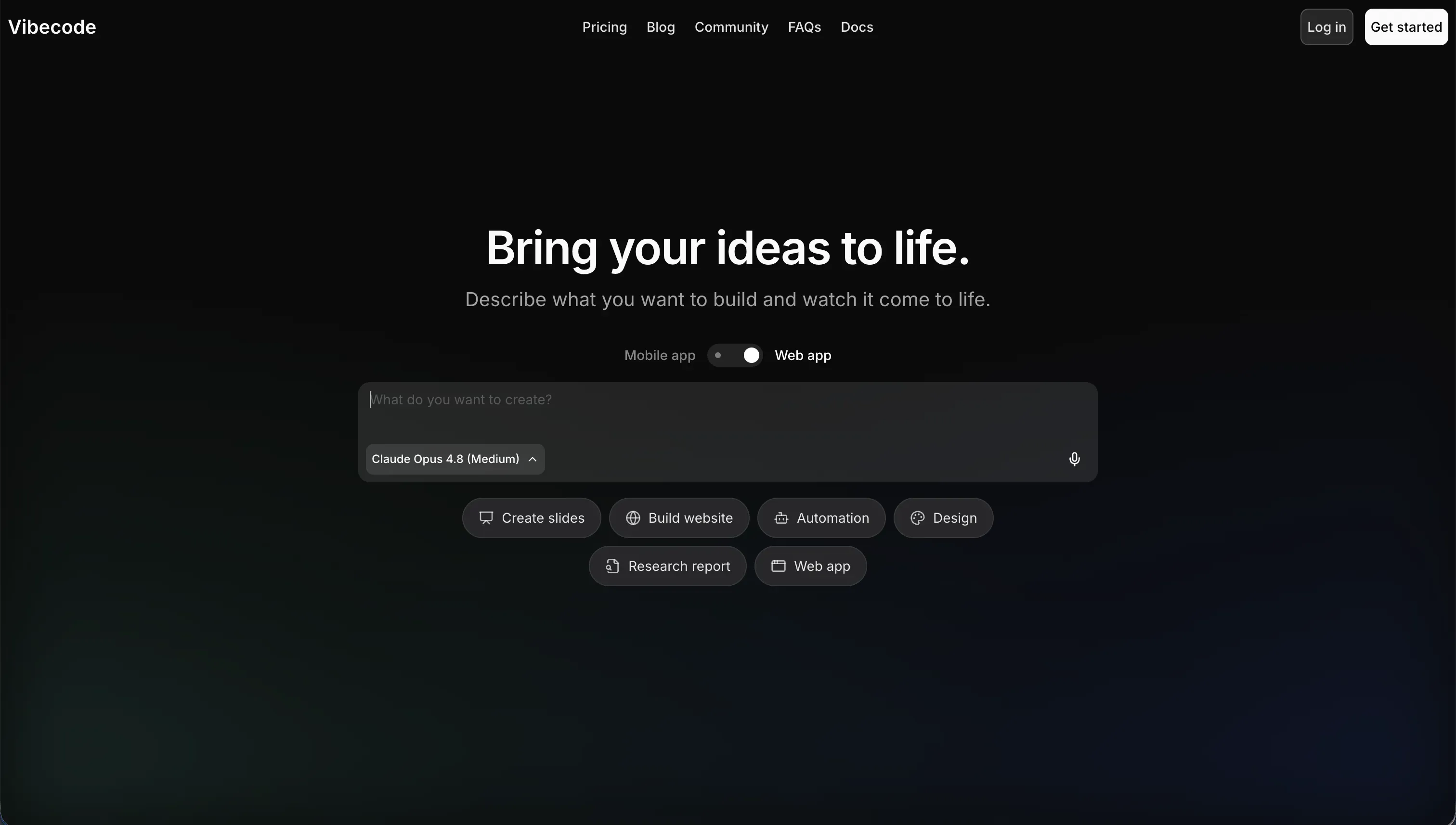
VibeCode is a cloud-based AI app builder at vibecodeapp.com built for native iOS and Android apps. You describe your concept in plain text, and VibeCode’s AI generates the mobile layout, backend database, user authentication, and cloud storage. On paid tiers, it supports direct App Store deployment, code export, and SSH access. It is designed for non-technical founders and mobile prototypers who want to skip the entire development setup phase.
| Spec | Details |
|---|---|
| Primary Stack | AI-generated native mobile (iOS/Android) |
| Interface | Cloud browser editor + mobile preview |
| Primary Deployment Target | Apple App Store, Google Play Store |
| Key Advantage | Zero-friction native mobile generation for non-coders |
What is FlutterFlow?
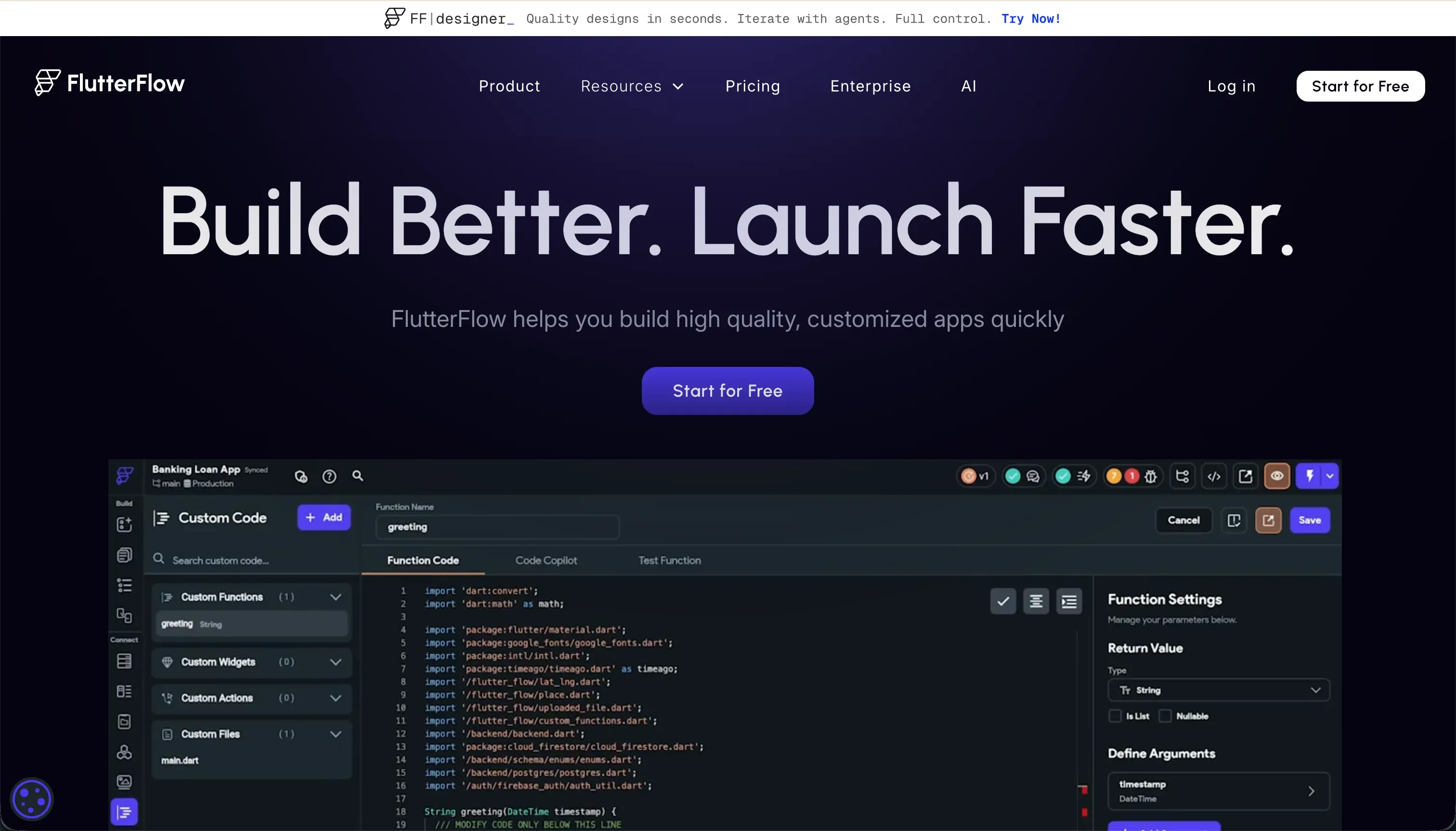
FlutterFlow is a visual builder for native mobile and web applications at flutterflow.io. It exposes Flutter’s widget system as a drag-and-drop interface, letting users build app screens and configure state variables, conditional logic, and API connections without writing Dart code manually. It includes a built-in AI generation tool (FlutterFlow AI Gen) for creating components and functions from text instructions. Code export is available on paid plans, and the platform supports codeless deployment to the App Store and Google Play via CI/CD pipelines.
| Spec | Details |
|---|---|
| Primary Stack | Flutter (Dart) - compiles to native iOS/Android |
| Interface | Visual drag-and-drop widget builder + AI Gen |
| Primary Deployment Target | Apple App Store, Google Play Store |
| Key Advantage | Production-grade native output with full code export |
The Core Difference
VibeCode abstracts the entire mobile development process behind AI generation. You do not see widgets, state variables, or layout constraints. You describe what you want, the AI builds it, and you iterate by prompting.
FlutterFlow exposes mobile development as a visual system. You still work with Flutter concepts - widget trees, layout constraints, state management, and database connections - but through a drag-and-drop interface rather than code. It is not as simple as VibeCode for a complete beginner, but it gives you significantly more control over the final result.
The practical consequence: VibeCode is faster to get started with. FlutterFlow produces more predictable, production-ready output for complex apps.

Head-to-Head Comparison
1. Developer Experience & Iteration Speed
VibeCode’s initial generation is fast. From a text description to a working mobile app preview takes minutes. Iterating is a prompt loop - describe a change, see the result, adjust. The friction shows up when your app grows. As logic complexity increases, the AI loses context and starts generating code that conflicts with earlier decisions.
FlutterFlow’s iteration speed is tied to how well you understand its interface. Once you know where things live - how to add a state variable, how to configure a conditional action, how to connect a Firebase collection - building is methodical and reliable. The downside is that error messages are often unhelpful. Multiple Capterra and G2 reviewers specifically cite getting lost when something breaks with no clear diagnostic path. The visual builder editor also lags significantly on projects with more than 12 screens.
2. Code Quality & Portability
VibeCode’s code export (Pro and Max plans) gives you AI-generated mobile source code. It is usable as a starting point, but AI-generated code at this abstraction level often carries structural debt - inconsistent patterns, redundant logic, or brittle architecture that becomes expensive to maintain as the app evolves.
FlutterFlow exports clean, production-ready Dart code that follows Flutter’s standard conventions. Because Flutter is an open-source framework maintained by Google, the exported code is portable across any Flutter development environment. Developers who take over a FlutterFlow-built project are working with recognizable, well-understood code. That is a meaningful advantage for long-term maintainability.
3. Database & Backend Capabilities
VibeCode provisions its own backend database and authentication automatically. It works without configuration, which is convenient for simple apps. For complex relational data structures or custom security rules, the platform provides limited control.
FlutterFlow integrates natively with Google Firebase and Supabase - both production-grade, widely-used backend platforms. Firebase provides real-time database, authentication, and cloud functions. Supabase offers PostgreSQL with Row Level Security and a developer-friendly API layer. The setup overhead is real, but the result is a proper, auditable backend that developers and security teams can inspect directly.
4. Hosting & Deployment Options
VibeCode handles mobile hosting and App Store deployment through its own platform. The process is streamlined and does not require developer tooling.
FlutterFlow’s Pro plan includes codeless deployment pipelines to Google Play and Apple TestFlight/App Store. Because it compiles to native Flutter (Dart) code, the App Store binaries are production-grade and tested against the same framework used by apps at scale. FlutterFlow also supports web deployment, though its web output uses Flutter Web (CanvasKit or HTML renderer), which can result in slower initial load times and weaker SEO than standard web frameworks.

Pricing Comparison
VibeCode:
| Plan | Price | Credits | Active Deployments |
|---|---|---|---|
| Free | $0/mo | $2.50 included | 0 |
| Plus | $20/mo | $20 included | 1 |
| Pro | $50/mo | $55 included | 3 |
| Max | $200/mo | $220 included | 5 |
FlutterFlow (billed annually):
| Plan | Price | Key Features |
|---|---|---|
| Free | $0 | Visual builder, Firebase integration |
| Standard | $22/mo | APK download, custom domain, code export, local run |
| Pro | $50/mo | Full code export, Git integration, App Store deployment, push notifications |
| Teams | $50/seat/mo | Collaborative building, shared design library |
At the Pro tier, both tools land at $50/month. FlutterFlow Pro includes more structured value for mobile development: full Dart export, Git, push notifications, and codeless store deployment. VibeCode Pro adds credit-based AI generation (which has ongoing costs) alongside code export. For teams, FlutterFlow’s per-seat Teams pricing can add up quickly.
Use Case Fit: When to use which?
When to choose VibeCode
- You need a native mobile app prototype fast and you have no mobile development experience.
- You want to test an app concept before investing in a full Flutter-based development effort.
- Your app is lightweight in logic: a utility, simple game, or MVP with basic CRUD functionality.
- Speed to first prototype matters more than polish or long-term code maintainability.
When to choose FlutterFlow
- You are building a more complex native app where layout precision, state management, and database relationships matter.
- You want to export clean Dart code that a Flutter developer can take over and maintain.
- You need push notifications, offline functionality, or Firebase-backed real-time features.
- You are willing to invest time learning FlutterFlow’s visual system in exchange for more capable output.
When neither VibeCode nor FlutterFlow is the right fit
For native mobile apps
If you want native app store publishing with a code-generation approach rather than a visual builder, VibeCode and FlutterFlow are the two main options in this category. FlutterFlow is the more mature platform for production-grade native apps. VibeCode is faster for initial prototyping.
For internal tools and client portals
Native mobile development is the wrong starting point for most business operational tools. Both VibeCode and FlutterFlow are oriented toward consumer apps and developers. For a client portal, internal dashboard, CRM, or team intranet, you do not need App Store distribution - you need reliable user permissions, structured data, and a tool that non-technical staff can maintain without developer help.
Softr is built for this use case. It includes a native relational database, configurable role-based permissions, user authentication, and workflow automation in a visual editor. Apps are mobile-responsive and can be configured as Progressive Web Apps (PWAs) that install with a single tap on any device - no App Store submission, no review cycle, no Swift or Dart required.
For professional developer environments
For developers working on complex full-stack projects who want AI assistance within a proper IDE, Cursor provides the deepest codebase context and multi-file editing. For pure local code generation with full ownership, Dyad is an open-source alternative worth exploring.

Verdict
- Choose VibeCode if you want the fastest path from idea to native mobile prototype, without learning any technical concepts.
- Choose FlutterFlow if you need a production-ready native app with real design control, clean Dart export, and a backend infrastructure you can audit and extend.
For serious mobile apps that need to hold up in production, FlutterFlow is the more capable tool. For rapid idea validation before committing to a full build, VibeCode’s zero-setup generation has real value.
Summary Comparison Table
| Feature | VibeCode | FlutterFlow |
|---|---|---|
| Build Paradigm | AI prompt-to-native mobile | Visual Flutter widget builder + AI Gen |
| Output Type | Native iOS/Android (AI-generated) | Native iOS/Android (Flutter/Dart) |
| Database | Built-in (VibeCode Cloud) | Firebase or Supabase (user-configured) |
| Visual Permissions | Platform-managed | Configurable (Firebase auth rules) |
| Pricing Metric | Subscription + credits | Subscription (per-seat for teams) |
| Maintenance Burden | Low (platform hosts) | Medium (Firebase/Supabase setup) |
| Code Export | Pro/Max plans (AI-generated) | Pro/Teams plans (clean Dart code) |