

This is a real tradeoff between two different kinds of AI scaffolding. VibeCode is a mobile-first builder for native iOS and Android apps, while Mocha is a prompt-to-web-app generator with built-in auth, SQLite, and hosting. They overlap on the surface because both promise text-to-app speed, but the underlying output and risk profile are very different.
The people actually deciding between these tools are usually founders, indie makers, and product teams trying to save weeks of engineering time. What is at stake is not just first-launch speed, but whether you can still maintain, export, debug, and pay for the thing a month later. That matters even more here because one tool is optimized for mobile deployment and the other has already announced its shutdown. If you pick the wrong one, you are not just wasting credits, you may be rebuilding from scratch.
Meet the Contenders
What is VibeCode?
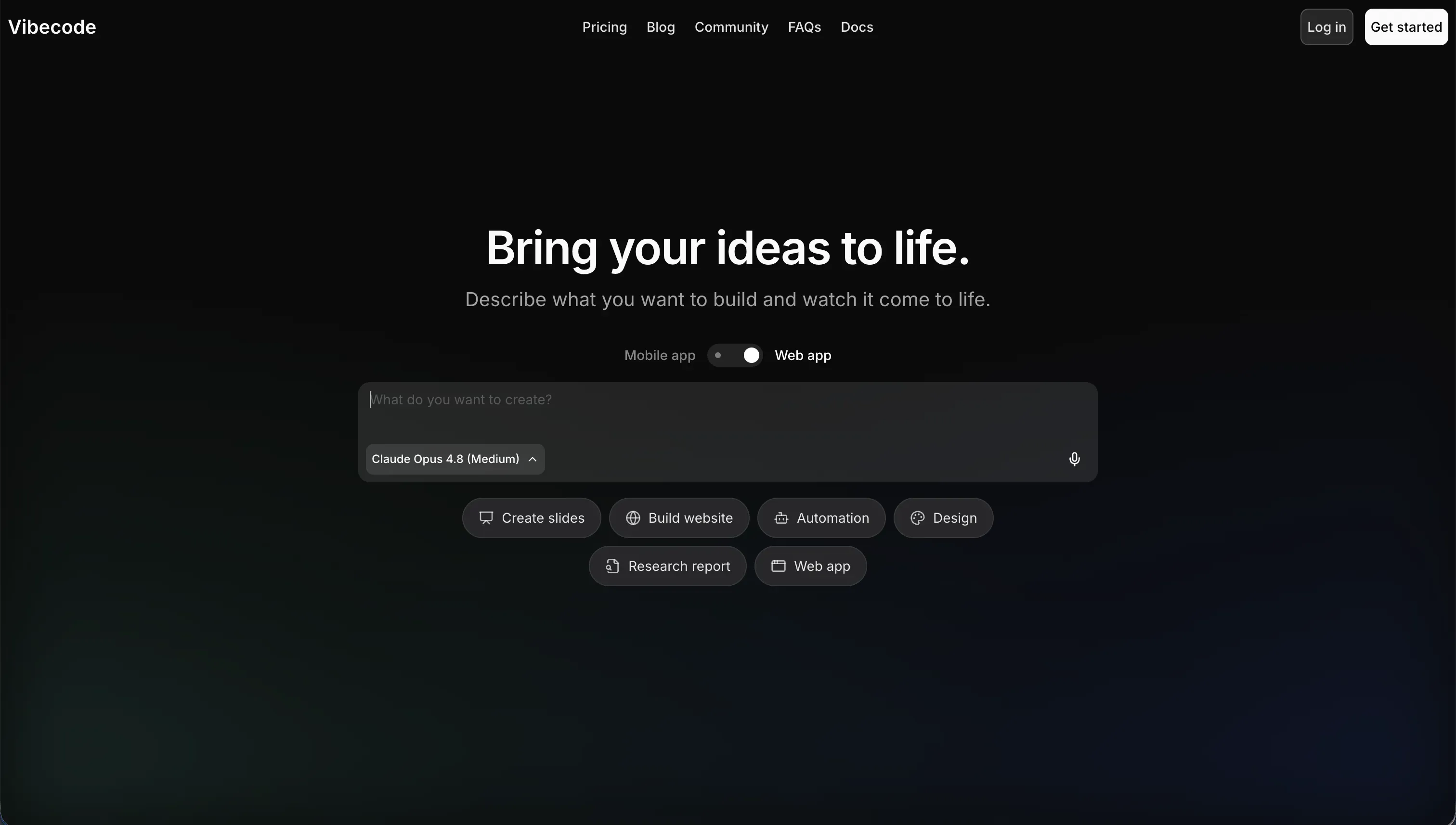
VibeCode is an AI-powered, mobile-first app builder focused on creating native iOS and Android apps from plain-English prompts. It is squarely aimed at people who want to ship mobile software without setting up a traditional React Native or Swift/Kotlin stack by hand.
In practice, VibeCode generates the app through conversational prompting, provisions a built-in backend with database, authentication, and cloud storage, and lets paid users publish directly to app stores. On higher tiers, it also offers full code export and SSH access, so you can move into tools like Cursor or VS Code once the AI scaffold gets messy.
It is genuinely built for mobile prototypers, solo founders, and developers who care more about getting a native app running fast than about perfect architectural control on day one. The people who get frustrated are the ones who expect AI to stay coherent as the app grows, because VibeCode’s own weak spots show up around complexity walls, context loss in larger codebases, and lower-tier lock-in.
| Spec | Details |
|---|---|
| Primary Stack | AI-generated native mobile app stack with built-in backend, auth, and cloud storage |
| Interface | Natural-language prompt builder for mobile app generation |
| Primary Deployment Target | Native iOS and Android deployment, including direct app store publishing on paid tiers |
| Key Advantage | True mobile-first workflow with code export and SSH access on Pro and Max |
What is Mocha?
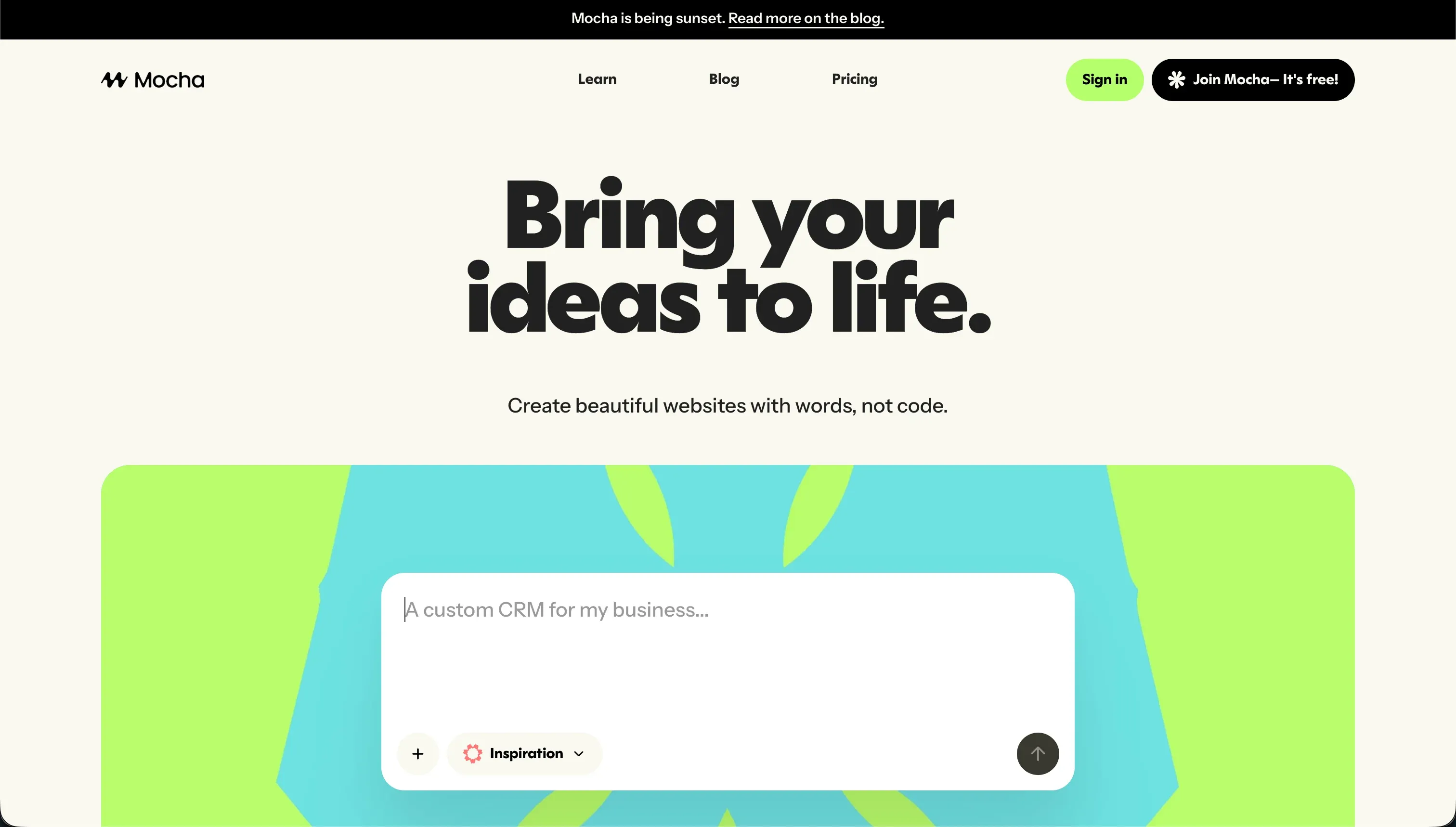
Mocha is an AI-powered no-code app builder for generating web apps from text instructions. It was formerly known as Srcbook and focused on quickly spinning up lightweight SaaS concepts, utilities, and simple database-backed web products.
In practice, Mocha uses a conversational prompt-to-app flow that generates UI, backend routes, and database models, while bundling in a managed SQLite database, Google Sign-in auth, and one-click publishing. It also tries to smooth over failures with automated bug resolution and allows full code export, which is one of the few meaningful escape hatches it had.
It was genuinely built for startup founders and creators who wanted fast web MVPs without setting up infra first. The problem is that the audience most likely to choose it now is also the audience that should avoid it, because Mocha has announced it is shutting down on August 1, 2026, and users already reported credit-burning debug loops, slow support, and limited customization even before the shutdown news.
| Spec | Details |
|---|---|
| Primary Stack | AI-generated web app stack with React-style frontend output, backend routes, and managed SQLite |
| Interface | Conversational prompt-to-app builder |
| Primary Deployment Target | Hosted web apps on Mocha domains, with custom domains on paid plans |
| Key Advantage | Pre-configured web environment with built-in auth, hosting, and full code export |
The Core Difference
The biggest difference is simple: VibeCode is trying to generate native mobile apps you can ship to app stores, while Mocha was trying to generate web apps quickly inside its own hosted environment. So this comparison is less about which chat builder is prettier, and more about platform target versus platform survivability.
- VibeCode runs as a mobile-first AI builder for native iOS and Android apps, with app store deployment and higher-tier code escape hatches.
- Mocha runs as a web app generator with built-in SQLite, Google auth, and hosting, but its August 1, 2026 shutdown makes it a migration story more than a buying decision.

Head-to-Head Comparison
We evaluated both platforms across four core categories.
1. Developer Experience & Iteration Speed
VibeCode’s pitch is immediate: describe the mobile app you want, let the AI scaffold it, test on phone-sized layouts, and push toward native deployment. For early mobile prototypes, that is genuinely useful because most AI builders are still web-first, while VibeCode is tuned for iOS and Android from the start.
The catch is the usual vibe-coding tax. As logic gets more complex, VibeCode can hit a complexity wall, lose context in a larger codebase, and generate changes that are harder to reason about than they first appear. Iteration feels fast right up until you need to preserve structure across many prompts, and then you are back to supervising the AI like a junior dev with a short memory.
Mocha was also built around fast initial generation. Its pre-configured setup, with SQLite, Google Sign-in, hosting, and one-click publishing, meant a founder could get a basic web utility or SaaS shell online without touching deployment plumbing.
But Mocha’s iteration story was shakier in practice. Multiple reports described the builder burning through hundreds of credits while trying to auto-fix compilation or runtime errors in circles, sometimes leaving the project unusable. That means the second hour can be much worse than the first, especially if the bug-resolution loop starts spending your quota for you.
Edge: VibeCode, because at least its fast path is tied to a clear mobile use case, while Mocha’s iteration loops were already unreliable before the product announced its shutdown.
2. Code Quality & Portability
VibeCode does at least acknowledge that AI-generated code eventually needs human ownership. On Pro at $50 per month and Max at $200 per month, you get code export and SSH access, which gives technical users a credible handoff path into external editors.
That said, portability is tier-gated. On Free and Plus, you are still mostly living inside the platform, and the quality of what you export depends on how coherent the prompt history remained. The stated problems of context loss and messy large codebases matter here, because export only helps if the exported project is something you actually want to maintain.
Mocha’s strongest argument was always its full code export. Unlike many closed AI builders, it let you download the complete React and backend source, which meant you were not trapped forever if the platform disappointed you.
Ironically, that feature matters even more now that Mocha is shutting down on August 1, 2026. Portability is no longer a nice-to-have, it is the whole story. If you already have a Mocha project, exporting may save you. If you are starting a new project, portability does not cancel out the risk of building on a platform with a public end date.
Edge: Mocha, narrowly, because full code export is available as a core escape hatch, whereas VibeCode keeps export and SSH behind Pro and Max.
3. Database & Backend Capabilities
VibeCode provisions a backend database, authentication, and cloud storage automatically, which is exactly what a mobile MVP builder should do. It also supports API integrations using plan credits, so simple integrations like maps, weather, GPT, or Gemini can be wired into the generated app without standing up separate backend services first.
Still, the backend story appears optimized for convenience rather than deep control. The published weaknesses explicitly mention struggles with custom data pipelines, complex authentication patterns, and advanced native integrations. That is fine for a lightweight mobile utility, but it becomes shaky when the app stops being simple.
Mocha’s backend model was more explicit and more limited. It centered on a managed SQLite database plus Google Sign-in auth and generated backend routes, which is enough for many lightweight web apps, calculators, trackers, and basic SaaS experiments.
The downside is ceiling height. SQLite is fine until you need more ambitious relational behavior, scaling patterns, or fine-grained access logic, and Mocha’s own comparison notes admit that more advanced access control often required prompting custom logic in code. Even without the shutdown, this was not the platform you picked for serious backend depth.
Edge: VibeCode, because its built-in backend, auth, cloud storage, and API integration model fit modern mobile MVPs better than Mocha’s simpler SQLite-centered web stack.
4. Hosting & Deployment Options
This is where VibeCode has a real differentiator. Paid tiers support direct publishing to the Apple App Store and Google Play Store, which is the whole point of choosing it over a web-first builder like Bolt or Lovable when native mobile distribution is non-negotiable.
The weakness is that deployment success still depends on the quality of generated app behavior. The research explicitly calls out security gaps, edge-case crashes, and performance problems as day-two risks that can fail store review. So yes, VibeCode can get you to the store faster, but it does not remove the quality bar you still have to clear.
Mocha offered one-click publishing to live hosted web domains and custom domains on paid tiers, which is standard and useful for basic MVP validation. For web prototypes, that convenience was enough to get a concept in front of users quickly.
But deployment convenience means less when the host is going away. Since Mocha is shutting down, its hosting is now a temporary bridge at best. That makes every new deployment effectively a migration countdown, not a durable production environment.
Edge: VibeCode, easily, because app store deployment is a meaningful capability and Mocha’s hosted web deployment now comes with a public expiration date.
5. AI Quality & Reliability
VibeCode deserves credit for being unusually transparent on pricing: $1 in credits equals $1 in raw AI usage with no markup. That honesty is refreshing in a market where plenty of tools hide token economics behind fuzzy plan language.
Reliability is the harder problem. VibeCode’s documented weaknesses include context loss in larger codebases and AI struggles around custom logic, which means the model can stop feeling smart exactly when the project becomes valuable. In other words, the credit model is clean, but the output quality still degrades under pressure.
Mocha tried to make AI reliability part of the product with automated bug resolution. In theory, that sounds great: the AI detects build or deploy errors and fixes them automatically, saving the user from manually debugging generated code.
In practice, this is where Mocha took the most criticism. Reviews and Reddit feedback specifically described regression loops where the AI consumed hundreds of credits trying to repair crashes or compilation errors without actually stabilizing the app. That is a brutal failure mode because the tool is not just wrong, it is expensive while being wrong.
Edge: VibeCode, because its AI may drift on complex apps, but Mocha’s documented credit-burning fix loops are a worse reliability failure.
6. Learning Curve & Onboarding
VibeCode is conceptually easy to start with if you already know what a mobile app should do. Prompting a feature list and seeing a native-oriented scaffold is far less intimidating than setting up a mobile stack by hand, especially for non-technical creators trying to launch a lightweight utility or game.
But easy start does not equal easy mastery. Because it is native-mobile-specific, the user still needs to think about app flows, device behavior, and eventually app store standards. And since code export and SSH only arrive on Pro and Max, less technical users on cheap plans can discover the hard parts before they get the escape hatches.
Mocha was arguably even easier to understand at first. A founder could describe a web app, get SQLite, auth, and hosting pre-wired, and publish quickly without learning much infrastructure. That is the classic appeal of prompt-first web builders.
The problem is that onboarding into a dead product is not onboarding, it is triage. Even if the interface is simple, any new user now has to think about export, migration, and support risk from day one. Add the reports of slow support responses over email and Discord, and Mocha becomes a poor choice for anyone who values a calm learning curve.
Edge: VibeCode, because both tools are prompt-first, but only one still makes sense as a product you can actually learn for future use.

Pricing Comparison
VibeCode:
- Free - $0/mo with $2.50 included credits and access to premium AI models
- Plus - $20/mo with $20 included credits and 1 active deployment
- Pro - $50/mo with $55 included credits, 3 active deployments, code export, and SSH access
- Max - $200/mo with $220 included credits and 5 active deployments
Mocha:
- Starter - $0 with 120 credits/mo, 1 published app deployment, and basic templates
- Bronze - $20/mo with 1,500 credits/mo, up to 5 apps, and custom domains
- Silver - $50/mo with 4,500 credits/mo, up to 15 apps, and priority support
- Gold - $200/mo with 25,000 credits/mo, up to 25 apps, and early access to features
Use Case Fit: When to use which?
When to choose VibeCode
- Choose VibeCode when you need native iOS or Android output and direct app store deployment matters more than polished long-term architecture.
- Choose VibeCode when you are a technical founder or mobile prototyper who values Pro-tier code export and SSH access as an eventual escape hatch.
- Choose VibeCode when your app is still relatively lightweight and you can tolerate AI drift once the project becomes more complex.
When to choose Mocha
- Choose Mocha when you already have an existing Mocha project and your immediate goal is to export the code before the August 1, 2026 shutdown.
- Choose Mocha when you specifically want to inspect or salvage a prompt-generated web app with built-in SQLite and Google auth.
- Choose Mocha when you are evaluating past tools in this category, not when you are selecting a stable platform for a new product.
When neither VibeCode nor Mocha is the right fit
For native mobile apps with more visual control
If you need native mobile output but want a more established visual builder than either of these prompt-heavy workflows, look at FlutterFlow and Adalo. They are still opinionated platforms, but they are easier to reason about when you want to design screens, manage flows, and publish something mobile without betting everything on chat-driven code generation.
This matters because VibeCode is strong on mobile targeting but still inherits the usual AI context and reliability issues, while Mocha is not a serious mobile answer at all. If the job is specifically App Store delivery with more deterministic editing, FlutterFlow is the cleaner comparison set.
For internal tools and client portals
If the real project is an operational app for a team, client portal, CRM, intranet, or partner dashboard, skip both and use Softr. Softr is an AI-powered platform for building business software without code, and its AI Co-Builder can generate the database, pages, user roles, and navigation for you while still letting you edit everything visually afterward. That hybrid model is the key difference: AI is the fast path, not the only path.
More importantly, Softr is built for production business apps from day one. Softr Databases come first as the native foundation, then you can also connect 17 external sources if needed. You get visual user groups, row-level restrictions, built-in auth, hosting, workflows, and a contained Vibe Coding block for custom components, which is a much better long-term fit than living inside prompt loops or a platform that is shutting down.
For professional developer environments
If you are technical enough to care deeply about code ownership, debugging, and maintaining the stack yourself, go straight to Cursor or Replit. Those tools are not pretending the hard parts of software disappear, but they do give you a more direct developer environment for iterating, reviewing, and fixing real code.
That makes them better than both options here for teams who know they will outgrow AI scaffolding quickly. VibeCode’s export and SSH options only arrive on higher tiers, and Mocha’s shutdown turns any new commitment into a migration project. For serious engineering workflows, a proper coding environment ages better.

Verdict
Pick VibeCode if your real requirement is native mobile. It is the better tool here because it was actually built for iOS and Android, supports direct app store deployment, and gives technical users a path out through code export and SSH on Pro and Max. The tradeoff is that you are still accepting classic vibe-coding fragility once the app grows beyond a simple mobile MVP.
Pick Mocha only in the narrowest possible sense: you already built something there and need to recover or export it. Its pre-configured web setup, SQLite, Google auth, and full code export were useful, but those strengths are now overshadowed by the public August 1, 2026 shutdown and documented credit-burning debug loops. As a fresh buying decision, it is basically off the board.
The day-two reality is that both tools push maintenance back onto the user once the AI stops being magical. One does that through growing mobile-code complexity, the other through platform risk and instability. If what you are actually building is business software for real users, especially internal tools or client portals, Softr ages better because the infrastructure, permissions, and database layer are stable from the start and you are not forced to keep re-prompting the fundamentals.

Summary Comparison Table
| Criterion | VibeCode | Mocha |
|---|---|---|
| Best for | Native mobile MVPs and app store launches | Exporting legacy Mocha web projects before shutdown |
| Build paradigm | Prompt-driven native mobile AI scaffolding | Prompt-driven web app generation |
| Output type | Native iOS and Android apps | Hosted web apps |
| Database | Built-in backend database with auth and cloud storage | Managed SQLite with generated backend routes |
| Pricing metric | Monthly plan with raw AI usage credits | Monthly plan with app-generation credits |
| Code export | Yes, on Pro and Max only | Yes, full code export |
| Maintenance burden | Medium to high once app complexity grows | Very high due to shutdown plus debug-loop history |